New devices: EDGE 550, 850, MTB !
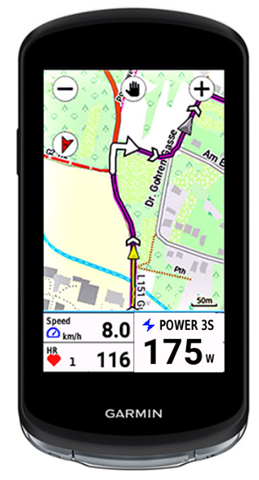
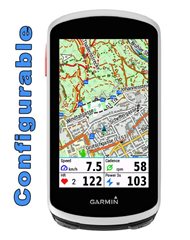
Edge Mapfields is meant for use with the mapscreen on your device.
There are 4 fields, which every field can set with many options (see below).
It's created for Edge 1030, 1040, 1050, 530 and 830, 540, 840 and Explore and Explore2
This datafield is free of charge, but if you like it and use it, it would be nice to be invited to a beer: paypal.me/AndreasWirth
After installing the datafield on your device, place a full-width field under the map. In this field you put the EdgeMapsFields.
In the setup you can choose a display for each quadrant from many different options:
see:
https://apps.garmin.com/apps/30fdcbb5-a0f2-4832-9157-b7dcd81e7a0f
Both metric and statute format!
Time to Destination is calculated by your average speed. In the beginning - when no average speed is available - Time to Dest. is calculated by 10 km/h ( 6.214 mi/h).
Timer format is mm:ss for time less than one hour, and h:mm for time more than one hour.
Of course you can use this datafield on every screen with a datafield of 1/5 of the screen height.
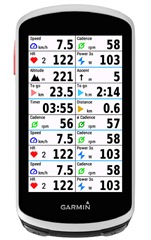
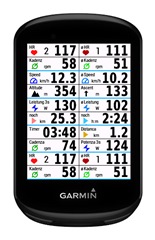
Note: the pictures below are photoshoped to show all options on one picture.
You can only set one datafield on your device!