NEWS UPDATE:
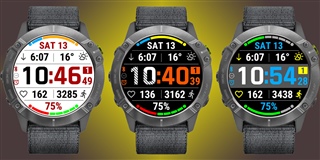
HANDY IQ:
https://apps.garmin.com/apps/3d167441-94f1-4b67-953f-e3ff6c272406

BIG EASY IQ:
https://apps.garmin.com/en-US/apps/1c8d4883-b4b2-49f3-b30c-954698cef794
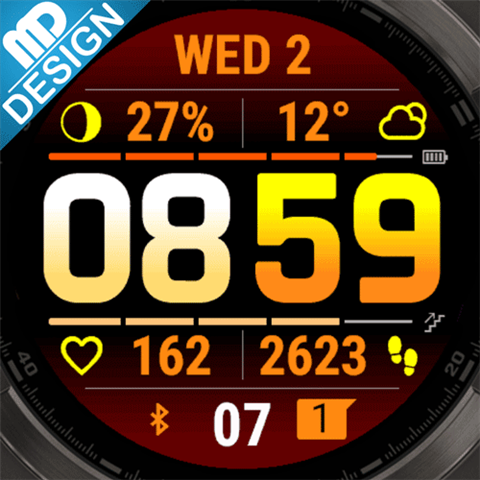
EASY+:
https://apps.garmin.com/apps/7c993e2b-70b3-459a-bbe0-db48a89af5a8?tid=0
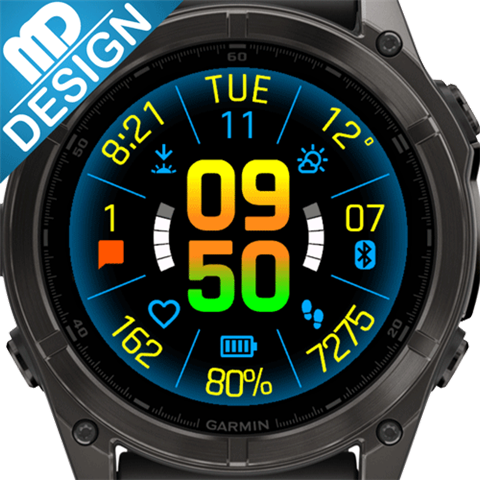
With introduction of Garmin Pay, I am starting to add a new payment option for some of my apps. The system is not flexible enough to just add Garmin Pay to existing apps, so I'll publish a copy of an app, with the same functionality but Garmin Pay as the payment provider.
The first one out is Glance Ultra (a copy of Glance Dual Screen):
https://apps.garmin.com/apps/1bed8f69-2e34-46e4-9786-3166fa3c6ab2?tid=0
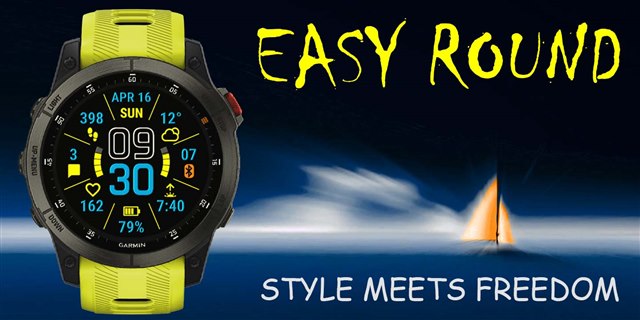
EASY Round - 2023 #1 watch face of the year (by Garmin):
apps.garmin.com/.../9a619d99-3e5b-4eec-81e7-006655d797cc
GLANCE WATCH FACE app won THE BEST NEW WATCH FACE APP OF 2022 ! At the Developers conference Garmin announced nominees and winners for the best apps in different categories. Glance Watch Face was nominated and won in the best new watch face category  ! Garmin didn't post the video from the conference yet, but it was already reported by other websites: https://the5krunner.com/2022/10/12/garmin-app-watchface-of-the-year-2022-ciq-winners-and-nominees-announced/
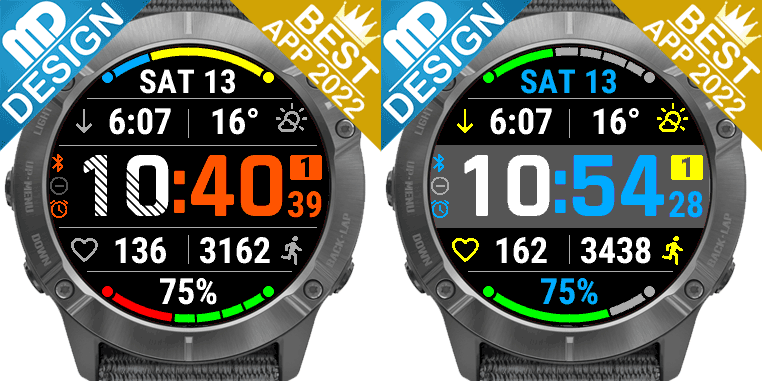
The idea for this app is simple:
- Use only large fonts, so that all data are visible at a glance (hence the name of the app: Glance  )
)
- Put as much data on the screen as possible, without sacrificing font size above
- Make all data fields customizeable to your needs
- Make colors customizeable as much as possible, so users can create their own design
The "Glance Watch Face" app is 100% FREE - no hidden restrictions, nagging, or expiration:
https://apps.garmin.com/en-US/apps/07ae ... 07e8035fae
There is also a mostly free app - BIG EASY: apps.garmin.com/.../86ec352b-da01-4806-8972-770c6d32a5e8
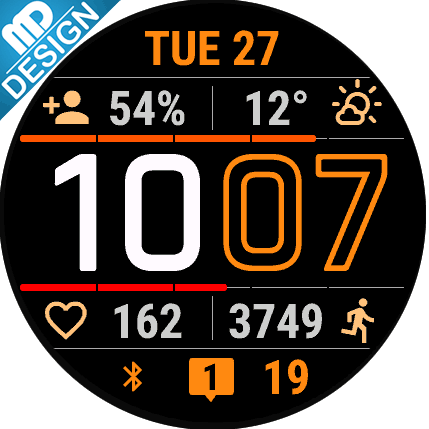
There are also two paid versions of this app - "Glance Pro":
https://apps.garmin.com/en-US/apps/ac4be3ce-f0f3-4c49-be01-5fa52614ab2b
and "Glance Dual Screen":
https://apps.garmin.com/en-US/apps/5c0fe72b-f045-4366-a878-d3e67c600868
Paid versions are identical to the free version (so no worries, FREE doesn't mean bad!), but have a lot of extra features features:
- Open Weather Map support
- Setting for TIME font weight
- New way to use shared color themes
- Support for many new metrics (like Body Battery, Stress Level, and lots more)
- Extra progress bars and Graphs (in Dual Screen only)
- Two separate data screens (in Dual Screen only)
- A lot more - see apps description for the full list
- You have an opportunity (and a small incentive) to support the development
Unique feature of the Glance apps - you can save your own Color Themes and quicly switch between them righ on the watch.
NEW: Now you can SHARE your Color Theme! You can also quickly apply Color Themes shared with you. Here is a full description of how it all works: https://www.mobiledriveway.com/glance.html#color
Here is the current Color Themes Gallery: https://www.mobiledriveway.com/glance_gallery.html
Color themes are compatible between "Glance" and "Glance Pro" (except for "inactive status icons color", which became obsolete in "Pro").
I'd love to see all color combinations you came up with. Please post your themes in the Reviews and I'll add them to the gallery!
Questions and suggestions are welcome!