

Currently receiving frequent complaints about app / watchface settings not being applied or not working at all.
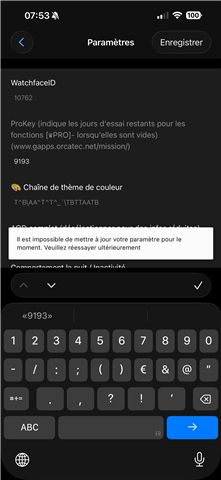
This is what users see when they press Save in the settings list in the ConnectIQ app:
Even on the simulator, I often get error messages:
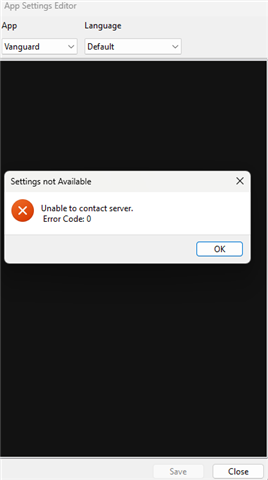
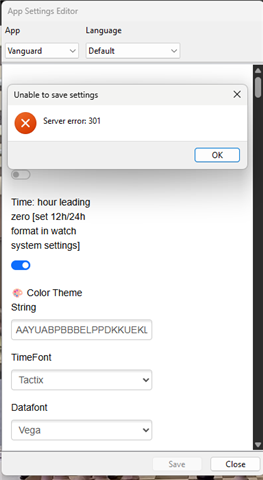
These usually disappear after a few attempts, but they become annoying over time.
I cannot specify the exact steps to reproduce the problems, they also occur when the settings consist of only a few fields with numbers (to prevent the problem with invalid characters such as \\ in the string fields).

-

Cuiv
in reply to MobileDriveway
-
Cancel
-
Vote Up
+1
Vote Down
-
-
More
-
Cancel
Comment-

Cuiv
in reply to MobileDriveway
-
Cancel
-
Vote Up
+1
Vote Down
-
-
More
-
Cancel
Children