Hi,
I’d like to use a layer to display a visual indicator in my app. The indicator should be a circle along the edge of the screen in a specific color, or a rectangle, depending on the screen shape. I want this indicator to appear not only on my own View implementations, but also on top of CustomMenu implementations, which is why I’m trying to use a layer.
I tried following the example in the documentation (https://developer.garmin.com/connect-iq/core-topics/user-interface/), but my layer never shows up.
Since posting code here often fails, I’m linking directly to the relevant files.
Layer implementation:
https://github.com/openhab/openhab-garmin/blob/main/source/connectivity/WifiIndicatorLayer.mc
I’ve confirmed the constructor code runs. A Dc is returned and drawing calls execute.
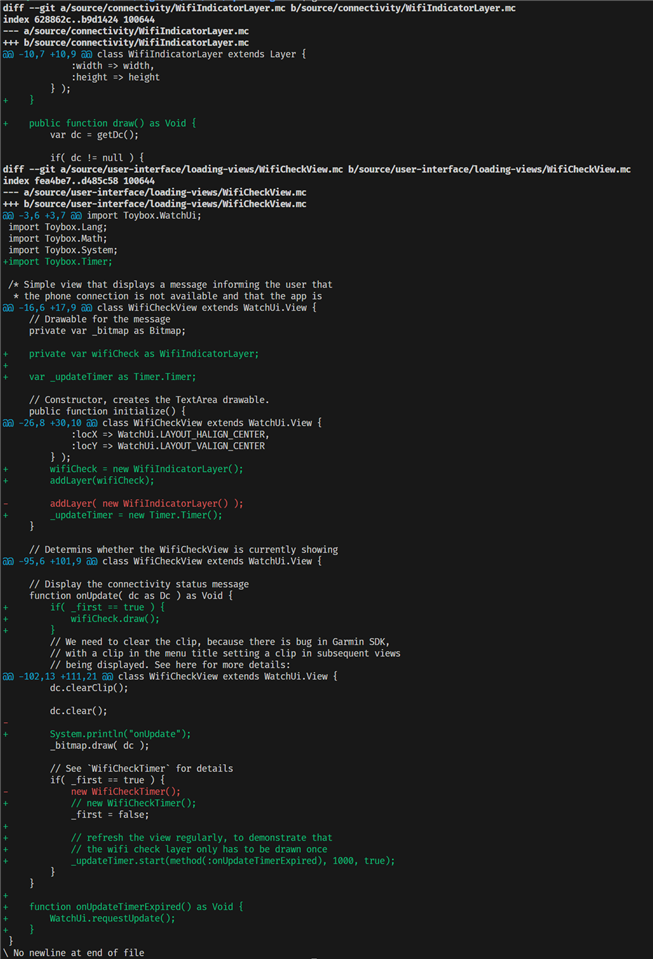
For testing, I added the layer to one of my views in the view constructor:
https://github.com/openhab/openhab-garmin/blob/main/source/user-interface/loading-views/WifiCheckView.mc
Is there anything else I need to do to get the layer to display?
Also, is my understanding correct that the layer is drawn on top of the view’s base Dc?