Acknowledged

Touch events delivered to apps even when touchscreen is disabled

Hi Garmin Connect IQ Team,

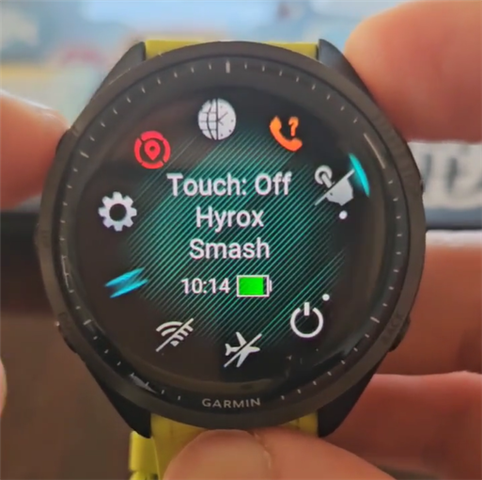
Currently, there is no reliable way for an app to detect whether the device’s touchscreen is disabled (for example when the user has turned touch off in settings or enabled touch lock during an activity). The existing System.getDeviceSettings() properties like isTouchScreen and isTouchScreenActive only indicate hardware capability and not whether touch input is enabled or locked. As a result, even when the user has disabled touch, the app continues to receive and respond to touch events, which can lead to unintended interactions in sport/activity contexts.

This affects apps that rely on buttons and should respect the user’s preference or device lock during activities.

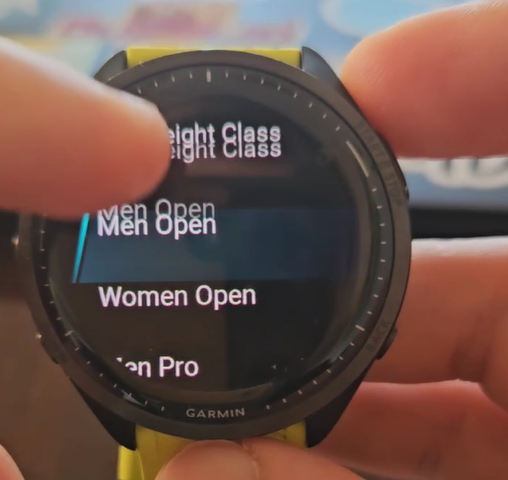
For example, for my app "Hyrox Smash", in a sweaty condition, it's quite risky to have the touch screen enabled. 

If there’s already a recommended approach I’ve missed, I’d be happy to hear about it. Otherwise, I’d appreciate you considering this enhancement for future SDK versions.

Thanks for your time and support.

Cheers,

Saeed from Multipassionate
Parents Comment Children
  • Please state what you think is the bug. What do you expect (with your words) when you return true in these functions and what happens instead. Also to make sure which functions are called please implement all the functions and add a log in their 1st line so you'll see which of them are actually called and in which order. Also don't forget all the functions in InputDelegate as well.

    Similarly, about isTouchScreen: show the settings enabled, what is the value, show the settings disabled, what is the value.

    Also when you post a question in the forum (especially if you state it as a bug report) add details needed to reproduce: SDK version, which physical device, what is the firmware version on it, or if it's in the simulator then state that and which simulated device it was.

  • I'm a new developer, and maybe I'm missing something, but after many hours of research and trial and error, I still think it's a bug. If that's not the case, I'd very much appreciate some help. Let me explain why I still think so:

    Firstly, I removed all the conditions and added these to my class HyroxSmashDelegate extends WatchUi.BehaviorDelegate:

    function onTap(clickEvent) {
    return true;
    }

    function onSwipe(swipeEvent) {
    return true;
    }

    function onHold(clickEvent) {
    return true;
    }

    function onRelease(clickEvent) {
    return true;
    }

    According to this page, "To process input events, extend the WatchUi.InputDelegate and override the appropriate handler operation. If you return true in the handler, the system will know the event has been handled. Returning false will tell the system to handle the input. All the touch inputs still work after this.

    Secondly, according to this page, isTouchScreen should return true if it is enabled in the settings.