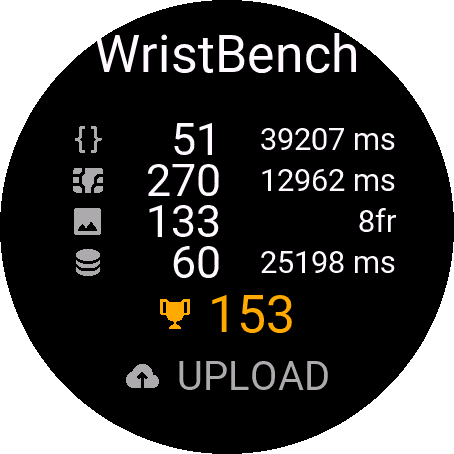
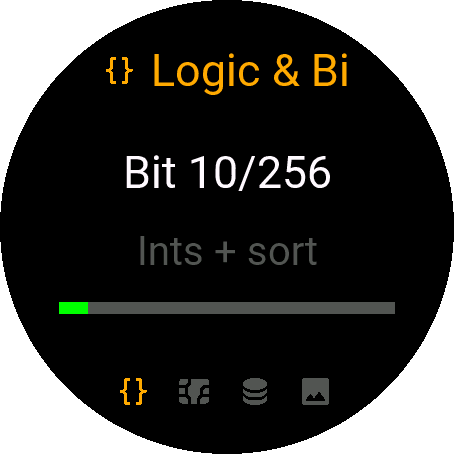
I’m excited to share WristBench, a Connect IQ benchmark designed for Garmin watches. Unlike synthetic benchmarks, WristBench measures real-world application performance directly on your device. If you’ve ever wondered how your watch performs under actual Connect IQ workloads, this is for you.
What WristBench Measures
WristBench evaluates four core performance areas of your Garmin watch:
-
Integer Logic
-
Tests integer computation, array handling, loops, and sorting.
-
Measures how efficiently your device processes typical app logic.
-
-
VM Memory Behavior
-
Evaluates string handling, object allocation, and garbage collection efficiency.
-
Reflects real-world memory usage scenarios inside the Connect IQ VM.
-
-
Local Storage I/O
-
Measures read/write performance to the local storage on your watch.
-
Captures the speed at which apps can store and retrieve data.
-
-
2D Rendering
-
Stress-tests 2D graphics throughput and screen refresh.
-
Shows how smoothly your watch can render complex displays.
-
After the tests, WristBench calculates a total score for your watch. This score reflects practical app-side performance, not theoretical chip speed.
Upload & Compare
You can upload your results to the public leaderboard, which groups watches by model for fair comparison.
Factors like firmware version, Connect IQ version, battery profile, screen type, resolution, and device temperature may slightly influence scores, so consider running multiple tests to see stable results.
How to Get WristBench
-
Search “WristBench” in the Connect IQ Store to download.
-
Run the benchmark and upload your score.
-
Compare with other Garmin users worldwide.
For the leaderboard, methodology, and detailed whitepaper:
https://benchmark.wristtale.com