Hi everyone,
I'm the developer of AMR Tennis Tracker - an app that I built because I wanted something practical in real tennis match conditions: fast to use between points, does not disturb yourself and your opponent, and is helpful both during and after the match.
What AMR Tennis Tracker helps with:
- Live score tracking on your watch
- Quick point tagging during the match
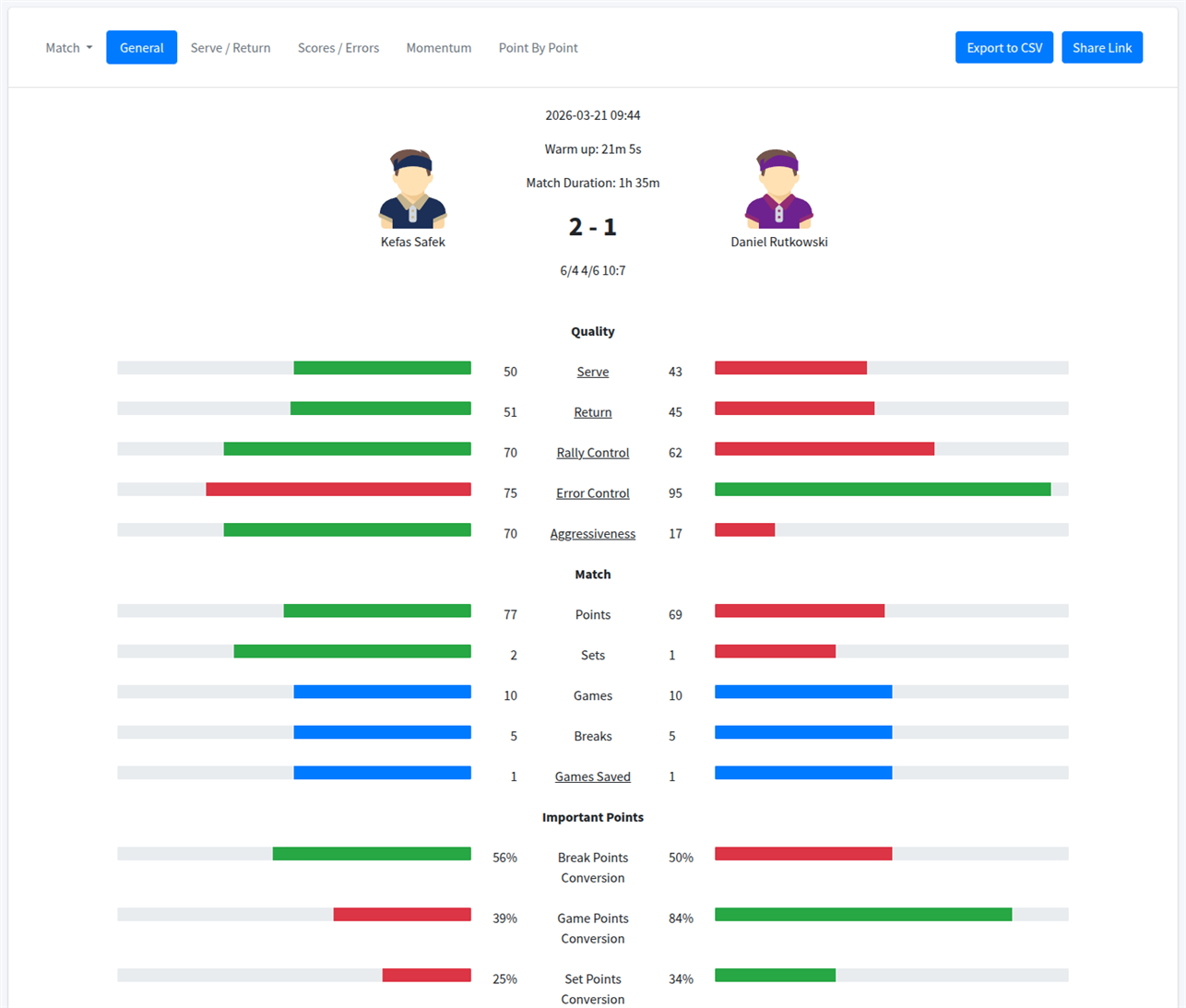
- Match stats that are useful after you leave the court
- Online match history and progress tracking in the AMR Dashboard
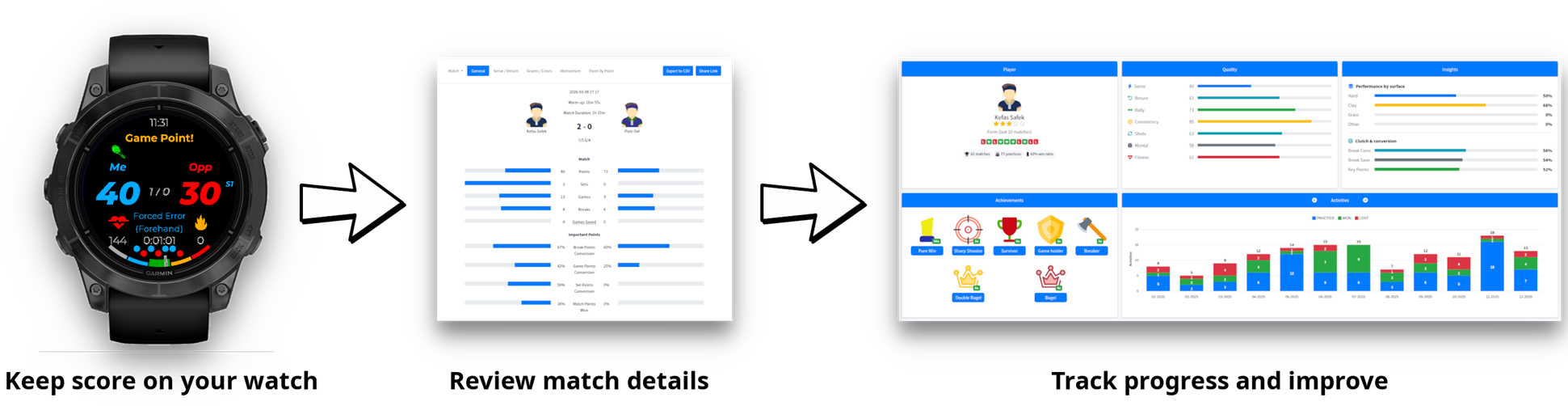
How it works
The idea is simple: track the score quickly during a match, tag points, and review the stats afterwards.
Why use it
- No more forgetting score and arguing with your opponent
- No need to keep everything in your head (who is serving now?)
- Point-by-point match details
- Better visibility into patterns and your playstyle, like winners, errors, serve performance, and match trends
- A simple way to see how your tennis changes over time
- You can share the stats with your friends by link, for example: https://dashboard.allmyrackets.com/guest/match/62a1099239e5e42ac0b16d22_69adb811d37b0e8e84848b15
Useful links:
- ConnectIQ app store page: https://apps.garmin.com/apps/67ab553e-3426-4857-b3f9-25ebb4d9632d
- Main project page: https://allmyrackets.com
- Dashboadrd: https://dashboard.allmyrackets.com
- News: https://allmyrackets.com/news
I’d like this thread to become the main communication channel for the app, and I'll be posting:
- product updates
- new features
- new screenshots
- release notes
Feel free to comment with any feature ideas, feedback on the UX, bugs, suggestions for the dashboard, and post-match analysis.
I read every comment, and feedback from real users is the best way to make the app better and better, because at the end of the day, the app is made for you :)
Thanks for checking it out.