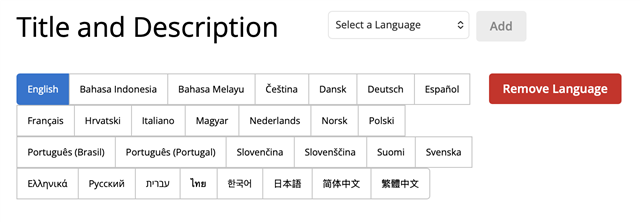
In the app description Edit Details page, if languages are added out of order, there doesn't seem to be any way to change the order that they're listed. Even if I remove all extra languages, save, then add them again, they retain the original order that they were first added. My app existed before the web store overhaul, so I'm not sure if that makes a difference.
It would be great if languages would always be listed in alphabetical order, even if they're added out of order.
It's enough effort to have to copy and paste into each language from another file. As I go down the list, it would make it easier if they could be in the same order (alphabetical). Instead, I have to hunt through the out-of-order languages for a given language.
Here's an app where they were added out of order (can't change):
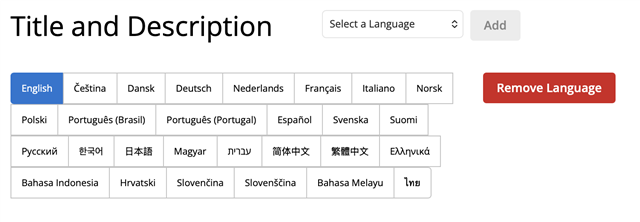
Here's a different app where they were added in alphabetical order: