But only when you land on that url. I clicked on the link yesterday, and it indeed let me log in, but then I left it open in a tab opened on one of my apps.
When I opened that tab now and refreshed it it was again just the information every user would see, but no way to log in.
You can also try it by after logging in you open a second tab, then you sign out in one tab *) and refresh in the other tab.
*) additional annoyance is that log out redirects to some general url where you can't log in again if you want...
To download to your device, You have to email the app link to yourself after removing "-developer" for the URL then open that link on your phone. There is a bug report on this. Maybe it will be fixed in the century...
You have to email the app link to yourself after removing "-developer" for the URL then open that link on your phone.
Strange - does not work for me on iPhone…
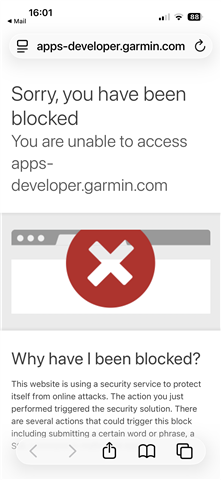
Edit: it‘s more complicated for me as described: after sending the link (without „developer“) by email and open the link on my iphone, „developer“ is added automatically and the link opens Safari browser with Garmin „YOU ARE BLOCKED“. But after deleting „developer“ again from the adress and tap enter, there appears a „Open in Garmin Connect IQ“ banner. And that works finally.