Long shot. Browsing the store I noticed a watch face that claims to go to watch face settings with press and hold. I can't remember the watch face, but tried to implement it like this:
No sorry, I just noticed it and added it on my to do list. If I find it again I'll let you know, however my guess is that they made some options available through onPress like I do. Currently I have the possibility to customise the behaviour for onPress through the settings to choose one action. The concept I have in mind is to devide the screen in 4 or 6 parts to add 4-6 actions and a middle press to activate and use the timeout of middlepress again to deactivate. You might start a subscreen of actions from one action to show a next screen of actions. I'll try to build this weekend and post a video.
I have created a quick settings overlay using the onPress function as added value to owners with a touchscreen.
You might add some page control or more sections for more options, I hope this inspires thinking out of the box for user interaction.
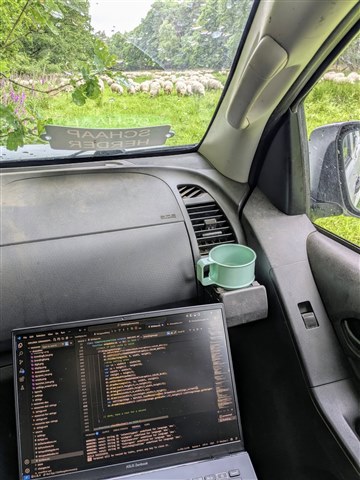
Sneak peak on my working environment as well ;).
https://youtube.com/shorts/7de9Nhu9bg0?feature=share

Awesome! How did you manage that?
I just got started with monkey C and am pulling my hair of, as xml is not my first choice. So I wrote a module for colorSchemes , confident to add settings in touchEvents.... and now I'm lost. I just need to call a simple cb, but...
i don't get a single word from the documentation
The thing is in a watchface, you can use onPress to do something (normally launch a complication) but I really doubt you can push something like Menu2 to change settings.
I think they understand that. Clearly the idea is to abuse the long-press functionality available for CIQ watchfaces that's *intended* for complications, but instead use it for settings, by drawing the settings UI as an "overlay" (on top of the watchface), as opposed to pushing another view.
Not dissimilar from someone else on the forums who used the tap functionality on an Edge datafield to provide a settings overlay (without pushing another view), instead of using on-device settings.
Nobody is claiming that you can actually push another view in response to a long press (or any other touch gesture) on a CIQ watchface.
If you read what they said and optionally watched a few seconds of video, you would get that.
I have created a quick settings overlay using the onPress function as added value to owners with a touchscreen
youtube.com/.../7de9Nhu9bg0