


How do I stop showing this notification for every course I open?
I really do not need to see it everytime. Just once is enough.
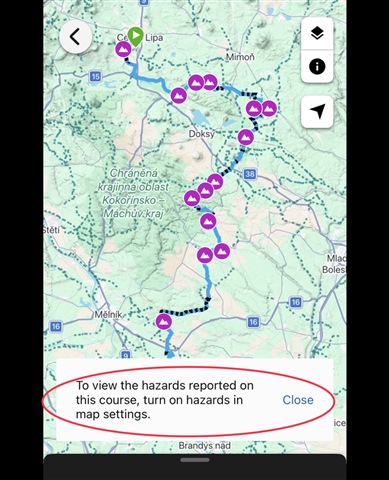
How do I stop showing this notification for every course I open?
I really do not need to see it everytime. Just once is enough.
This is actually functioning as designed since there are hazards on that route. When I opened your course link provided the pop up you have showing in your screenshot does go away automatically in Connect…
I also find this annoying but used to just click the x and get rid of it but now the x is not responding which means I cannot access the three dots which offer the different options such as copy. Anyone…
OK - here's a description of the problem with Hazards on the web version of Garmin Connect course viewer which the developers can hopefully understand and fix.
If Hazards are NOT selected in Map Settings…
I do not get any warning when opening the course in multiple browsers, or with the app. I guess you use one of the newer Edge computers. If so, then have a look not only on the layer settings on the Course…


