I print copies of my activities for my walking log. Just recently, the print has started to include the menu sidebars, which it didn't before (see before and after examples attached). Is there any way I can exclude these?After.pdfbefore.pdf
I print copies of my activities for my walking log. Just recently, the print has started to include the menu sidebars, which it didn't before (see before and after examples attached). Is there any way I can exclude these?After.pdfbefore.pdf
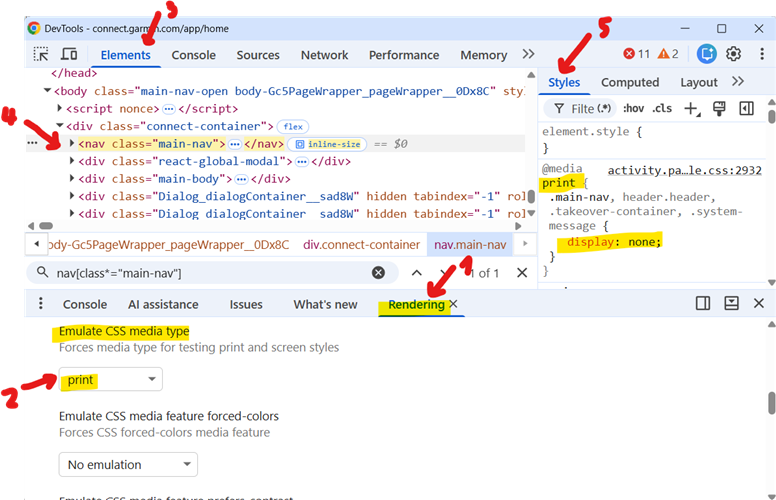
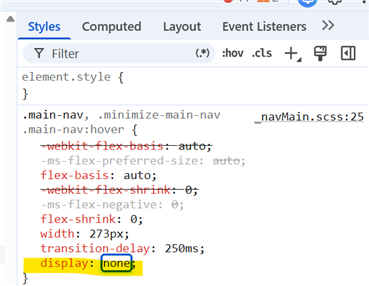
In fact, I am no more able to print the pages cleanly without the side menu (and without hacking the HTML code), too, so I guess it just took a few days later till the change on the web propagated to my…
I found a way to print that its working for me. Open the activity, go to the gear and click to trim it. Dont do any changes and click cancel. Automatically it will return you to the activity. Now try to…
indeed! Another way, is clicking the pencil icon (Edit), and then either Save (without any change) or Cancel, and the page then prints correctly too.