Garmin Express on Mac is reordering glances on Fenix 8 Solar

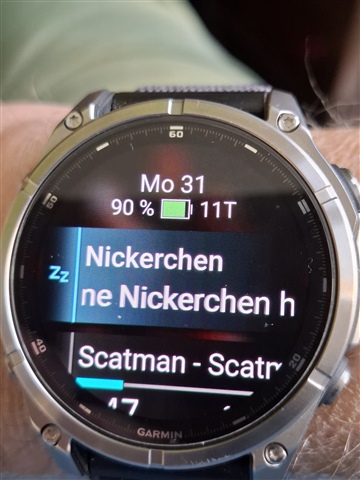
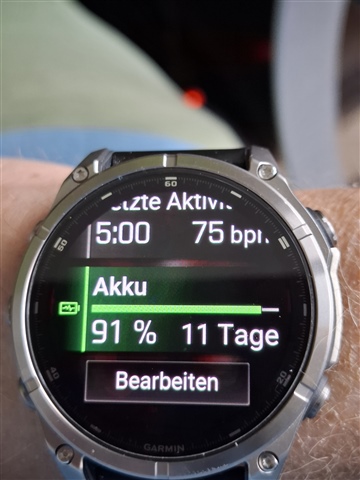
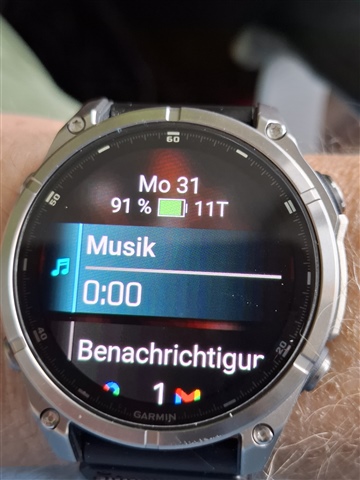
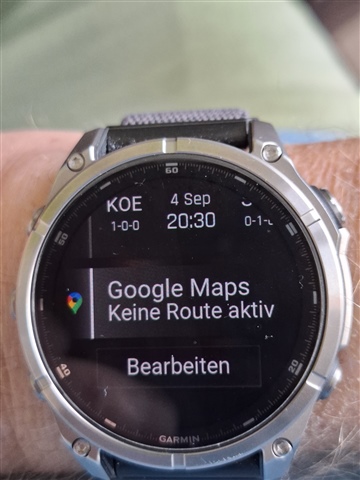
When I plug in my Fenix 8 Solar to my Mac to update software and maps, the glances are reordered. This is frustrating as I regularly use the top three glances.

I understand this is a widely recognised problem, I'm just reporting to add to the pool of data.

  • I had the Garmin Fenix 6X Pro; this situation sometimes occurred when I was syncing with Garmin Express and the connection with Garmin Connect (on the phone) was active; for example, if you reordered widgets, activities, etc. in Connect, when you connected it to Express, the sorting would revert to the old way.
    From what I read, one should favor the sorting only via Connect because there is some problem of the 'outdated' cache in Express

  • Express v/s Connect widget sorting...Is that a preference setting that I need to toggle?

  • No, you don't need to toggle anything, is only your option; after my 6X Pro experience, with the new 8 Solar, I do all sorting, settings in apps, widgets, etc with Connect, not with Express; I use Express or Connect to sync activities, and Express to have a better view of results, graphs, etc.(and download maps, firmware); but you can do the opposite, all on Express, but remember that if you do those operations both on Express and Connect you can get certain incoherences, that is my own experience

  • Express v/s Connect widget sorting...Is that a preference setting that I need to toggle?

    Similar to you I also wish that there was a button I could press or a toggle I could select on Garmin Express that said "Fix all bugs" including the Garmin Express glance re-ordering problem but alas this does not exist.

    There is no simple way to fix all the bugs in your Garmin products.  You have to carefully report them to Garmin product support and keep sending evidence until they recognise that there is an issue, and then maybe one day in the future the bug could be fixed.

    Reporting bugs on the forum is usually not sufficient on its own and someone has to report each issue directly to product support.