
This discussion has been locked.
You can no longer post new replies to this discussion. If you have a question you can start a new discussion

Unable to record activity with HRM 600

I've already recorded several activities with my HRM 600 sensor, but today it's impossible.

I can't select the activity type; the app doesn't allow me to choose the type, and nothing happens.

This is the first time I've tried recording an activity since installing Connect version 5.14, and it might be related...

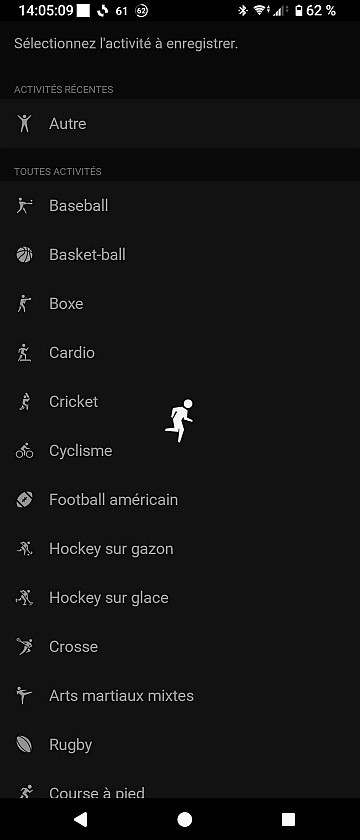
  • I'm having the same issue.

    I've tried readding the device (with both connection types), resetting to factory defaults, and reinstalling the app.

  • Since my first message I have managed to launch two activities, but you have to insist a lot (at least ten or fifteen times) without forgetting to force the synchronization of the HRM 600, it may end up happening...

  • I have the same issue. Seems like a software bug. Hopefully there is a fix soon.

  • I also think it's a bug...

    Everything was working perfectly until Garmin Connect for Android update 5.14

  • Good catch! This is working for me:

    1. Sync the HRM 600 to my phone in the Garmin Connect app.
    2. Open the HRM 600 device page in the Garmin Connect app.
    3. Select Activity Recording.
    4. Sit on the loading screen for 5 seconds.
    5. Go back and repeat steps 3-4 a few times (4 or 5 for me).
    6. Eventually the activity selection page will load and you can progress as normal!
  • That's what I was doing too, but with a little less luck, it took me 7 to 11 attempts to trigger activity recordings.

    But this morning, I received an update (5.14.1) for Garmin Connect, and everything is working properly again.

    I tested it: three attempts, three successes!