This discussion has been locked.
You can no longer post new replies to this discussion. If you have a question you can start a new discussion

unable import tcx files

again unable to import tcx files, not even tcx files made by garmin

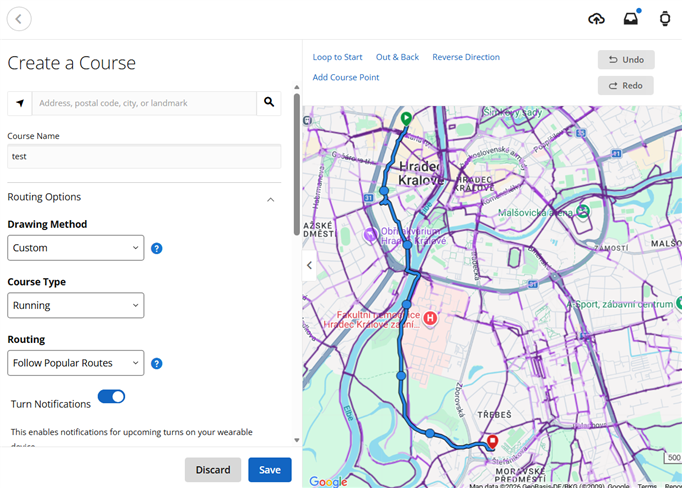
  • morning, I stand corrected, loading gpx route, via 'courses' works smooth. loading via 'activities' not.

  • Same here. Import ends with error. what the heck is going on with Garmin. For what we are paying cocmic money to them. First my fenix 8 pro was rebooting all the time - no help, now connect does not allow upload tcx and gpx files. All the time problems.

  • It looks like the same problem as in the folloing thread - please see my response there:
    Uploads
    I have the same problem and it seems like something is seriously messed up on the Garmin side. Garmin support couldn't sort things out over support chat and moved my information to their development team.

  • If you want sample .gpx file, here it is, but it is not a problem: (exported from mapy.com)

    It imports fine to Garmin Connect, on my side:

    In your place, I'd open DevTools in the browser before importing the file, and observe the Console, whether any errors pop up when you initiate the import. You can also try temporarily disabling plugins, such as adblockers, and/or using incognito mode, another  browser, another PC, and most importantly an alternative Internet connection (in case your IP address is restricted by CloudFlare).

  • Thanks for the post and comments, all. We're looking into this and may email you if any additional info or files are needed.

    We'll post any meaningful updates here, so please be sure to bookmark and follow this thread.

  • Garmin - DK, FYI, there is also another similar topic 
    RE: Uploads
    According to the information from both threads the uploads problems surfaced on March 3rd and it is widespread affecting uploads of ALL files including tcx files exported from Garmin Connect Web using activities from Garmin watches. Please not that upload was working fine on March 2nd. I contacted Garmin support on March 4th and provided several files including Garmin tcx files. Your support passed my information to development for investigation. Today in March 9 but Import Data in Garmin Connect Web still does NOT work. The problems is obviously on Garmin side. Any idea what is going on and how long will may take to fix it? Thanks

  • I had the same issue (tcx file from indoor session via Kinomap) and asked Claude Cowork to investigate. 

    Bottom line: 

    - server issue - not accepting tcx

    - Conversion to fit file worked and upload is possible

    This is the more detailed summary:

    -----

    Upload Attempt Results

    I tried multiple approaches to upload via the Garmin Connect web interface:

    • Drag-and-drop injection into the React dropzone - the file appeared and the Import button enabled, but clicking it produced "An error occurred with your upload" with zero network requests being made
    • Direct API calls to Garmin's upload endpoint (/upload-service/upload/) returned the HTML page instead of a JSON response

    3. Root Cause: Known Garmin Connect Bug (March 2026)

    This is a known, active issue on Garmin's side. Multiple users on the Garmin forums reported that TCX file imports broke around March 5-6, 2026. The upload endpoint returns 500 Internal Server errors with Cloudflare headers. This is not a problem with your file - the same error occurs with TCX files from many sources (BigRingVR, Kinomap, manual exports, etc.).

    4. Workaround: FIT File Created

  • Is Garmin going to fix this issue (import data) for Garmin activity files?