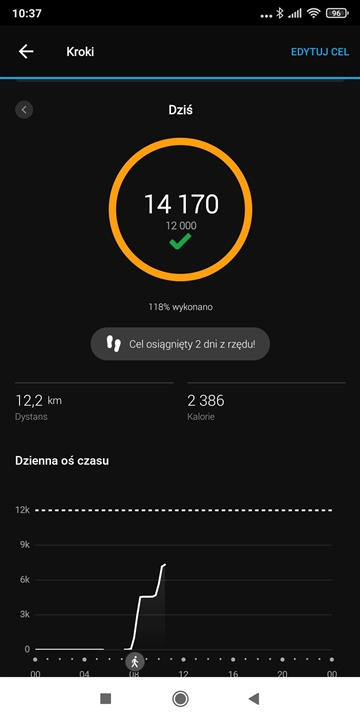
I have exactly the same problem with Fenix 6X Pro. On the midnight steps counter didn't reset to 0. In the morning I had steps counter from the previous day.
If I start walking steps are counting and value on the watch is shown untill I sync with application. Then number of steps is going back to the value from previous day.
Only the value on the graph is fine.
14170 is a value from yesterday. Today there is a number around 7k.

Reboot the watch. Connect the watch over the USB cable to a computer with Garmin Express, and check for updates and sync there. Then go out, and sync the watch with GPS, to assure it has the right date and time. Also verify the time and date on the phone, force close the GC Mobile app, clear its cache, and restart. Then try syncing again. If you continue having problems, contact the Support.
Time on the watch is proper one. To make sure I went outside and updated the localization over the GPS. I also have the newest software which has been updated last week. After comming back home I will connect watch via cable to the PC (now I use Android) and will try to re-sync.
That what I observe is that at all times the application tries to reach 14170 steps (as I did yesterday). Even if I go outside and new steps are counted up it decrease it to 14170. Everywhere except the graph :)
Update from now...

I will observe the case and then will contact with support.
That what I observe is that at all times the application tries to reach 14170 steps (as I did yesterday)
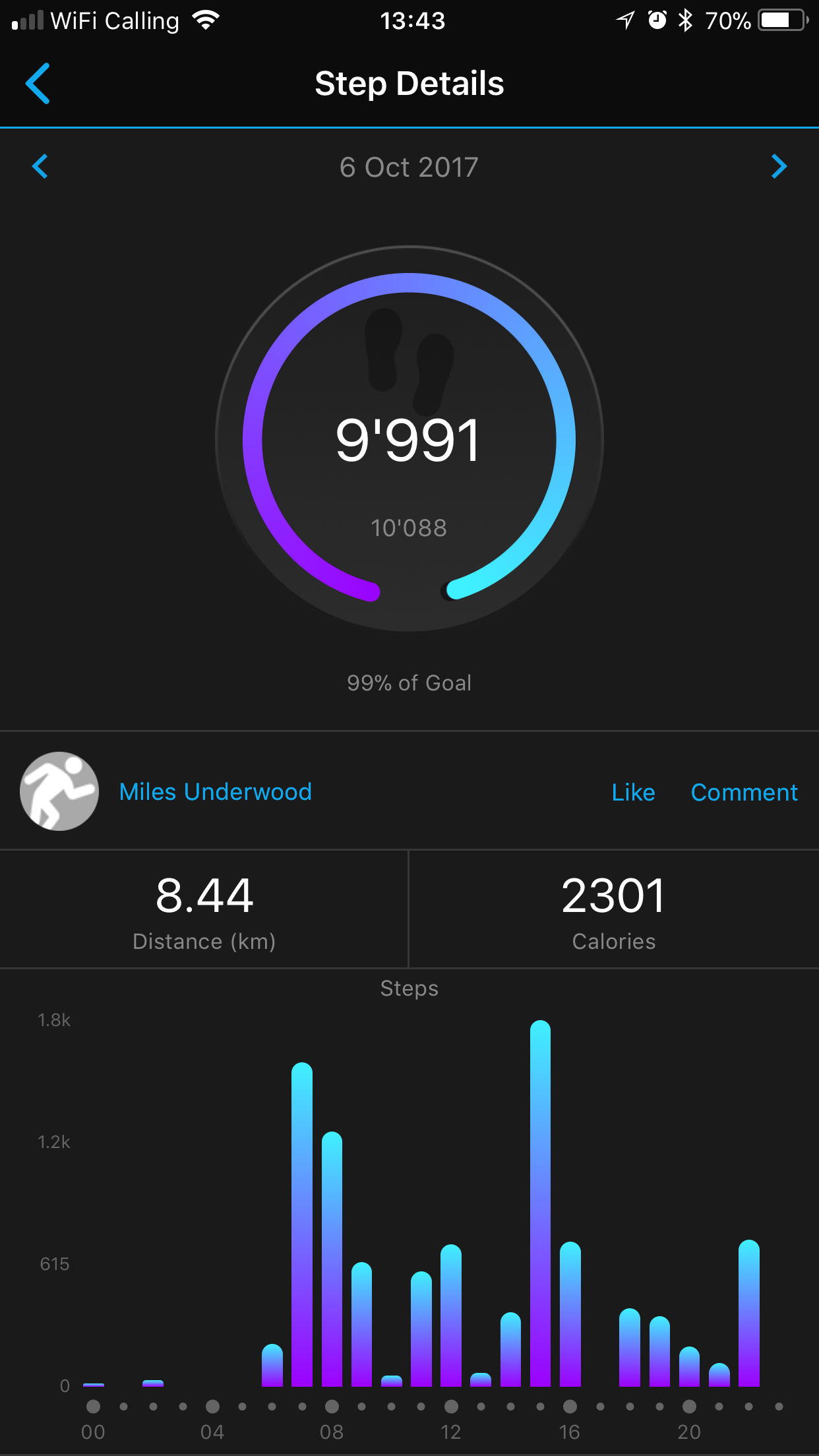
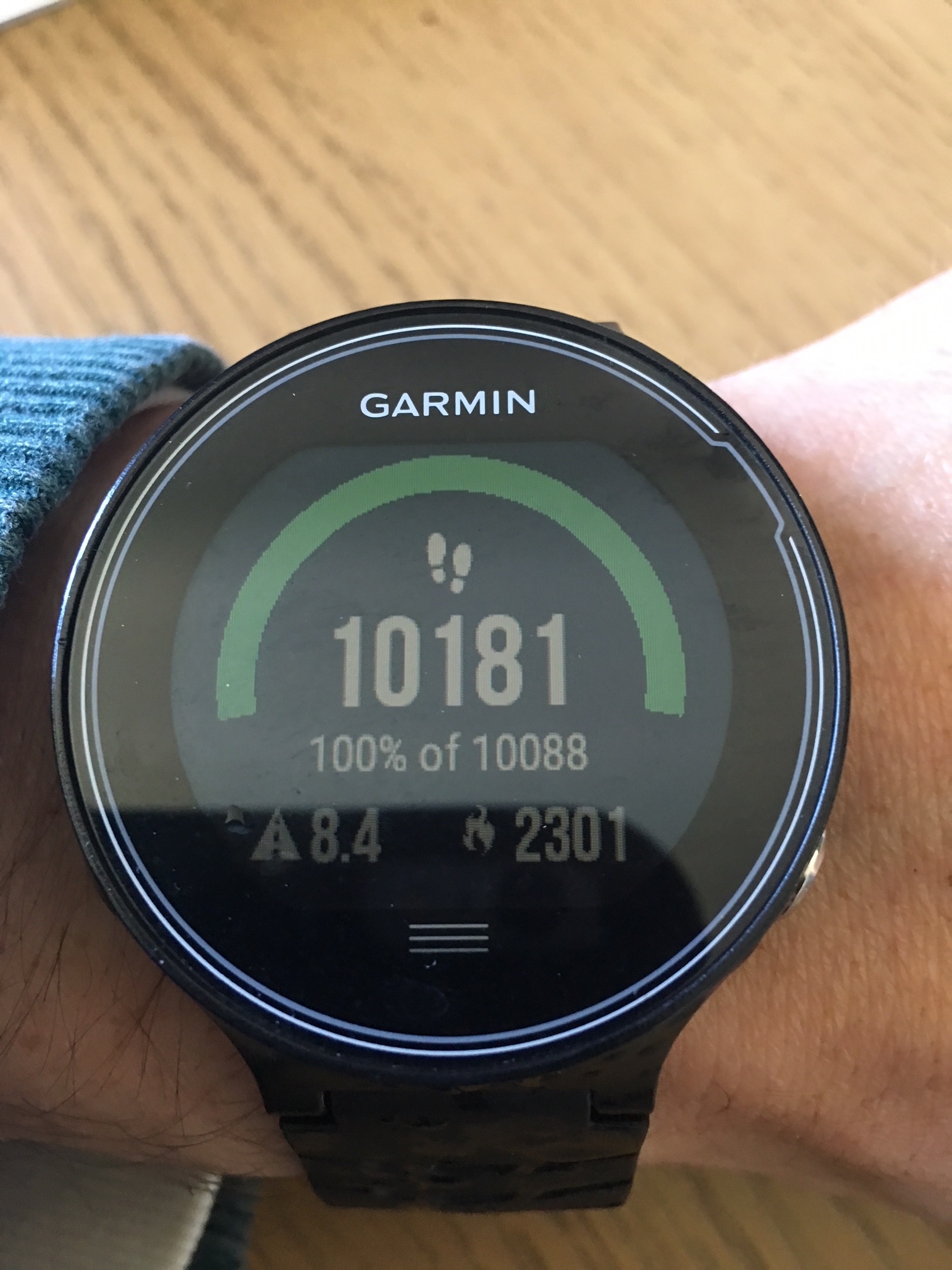
Ah, OK, sorry, I misunderstood completely. That's not the steps you did, it is the Steps Goal. In Garmin Connect, you can adjust it, turning off the Auto-Goal functionality, and set a fixed value
Personally, I think the syncing with Garmin Express could help. It looks like one of the FIT files containing the steps cannot be deleted from the folder //GARMN/Monitoring, for some reason. If the syncing over GE does not help, delete all the files from that folder (after having them backed up locally), and try syncing again.