Looks like the device_image.png is not downloaded from the device or Garmin.
How to obtain the image myself and place it in the right folder?
Looks like the device_image.png is not downloaded from the device or Garmin.
How to obtain the image myself and place it in the right folder?
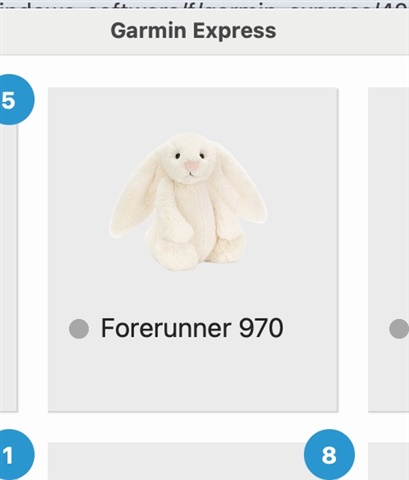
If you can't wait for Garmin to fix this it is possible to put the image of your choice with the background removed into a file named device_image.png in the Garmin Express folder for your device.
i.e. Library/Application Support/Garmin/Express/RegisteredDevices/<Unit ID>/device_image.png
For example:

and edit the nickname as appropriate in the "Tools & Content" section. Here I have left it at the default setting.
This forum is for the Mac OS version of Garmin Express. There is a separate forum for the Windows version: forums.garmin.com/.../garmin-express-windows