
This discussion has been locked.
You can no longer post new replies to this discussion. If you have a question you can start a new discussion

“Off Course” the entire course

Former Member
Former Member

I just got an Edge 520 Plus. Last night I planned out my ride on the Garmin Fit site exactly as I wanted it and loaded it in to the device as the only course. I chose a course I knew as I wanted to test the device out, having had a miserable experience with the Wahoo Elemnt.

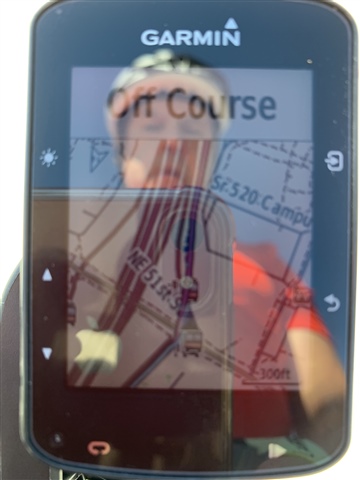
so this morning I selected the course and said start course. For the rest of the ride the device said I was “off course”. And yet I could even see on the map view that the trail I was on was rendered thicker on the map, suggesting I was indeed on the course. 

Anyone have any suggestions before I just send this back and buy a cheap Android phone instead?
  • Former Member
    0 Former Member in reply to Garmin-Matthew

    I have the same problem Matthew, can you let me know when the when this is resolved an the software is available thanks 

  • Former Member
    0 Former Member

    is there any fix yet to the issue of my Edge 820 showing 'off course' on all my courses now? thank you

  • I just got a 520 Plus and installed the SW 5.70 update ... rode yesterday for the first time with audible alerts on (including 'off course' sounds) and did a course I'd created with Strava. The 520 beeped and blooped at me the entire way, in a BEE-BOOP, BEE-BOOP pattern and there was an empty banner at the top of the screen. Playing around later, not using a course, I saw the banner display "Navigating North" or something similar. Is this design behavior? I could see from the map that I was in fact "off" the course but it was still helpful because I could see where the turns were coming up.

    I turned off the audible alerts for being off course and it's still of some use because I can see the course and know I am basically "on it" anyway, just wondering what should have been displayed in the box at the top of the screen.

    Really hoping to keep this and not spend the extra $$$ for a 530.

    Thanks, kj

  • You can turn off 'course points' to stop that annoyance happening. It's under the settings of the created course

  • Ah, thanks - will check that out. 

  • Former Member
    0 Former Member in reply to 4661470

    great ! thank you

  • Upgraded from Edge 200 to Edge 520 Plus not long ago - starting to get the hang of navigating courses when "off course" reared it's head. Was sure it was Operator Error. Glad to find it was Software Error. Update seems to have fixed it for me.