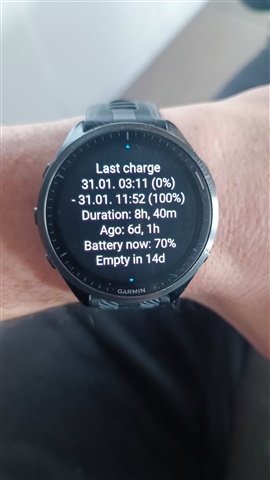
The draining is 4x times higher without any activities requiring GPS nor any otehr changes to the setup of the watch. Today it lost 10% in 6 hours ... doing nothing
15 days? I get 5.5 only. And this is without the "extra fast discharge" people talk about here. I never had more than 6 days, even 2.5 years ago when I bought it (brand new).
Yap... my FR965 is 2 years old boy now
This battery status is without any activity and GPS but with all tracking (sensors) active.
If I am training and hiking with GPS (max accuracy) every other day, then it last around 7 to 8 days
Mine seems fine after the update i.t.o. battery and sensors.
The glance list scrolling seems a bit stickier when scrolling fast via touch.
How do you do it to show up that screen?
imo It's an unnecessary procedure unless your having issues.
But if you really want to install the update twice then go to the system menu, to about and press the light button 8 times.
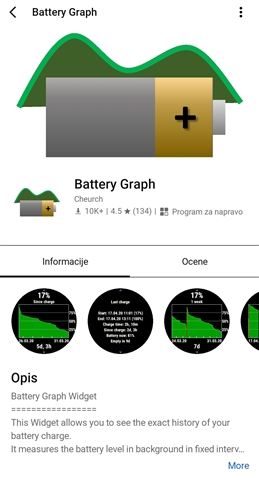
Use application Battery Graph...
in Garmin application Connect IQ search for Battery Graph and install it to FR965.

After 2 years of owning FR965 and after my first post in this topic, I drain my battery to 0% intentionaly, so I could not turn ON my watch again.
Then I charge to 100% and leave it on charger over the night... This procedure somehow recalibrate battery to correct show the % of battery.
This is the status of battery after procedure and some Hiit workouts without GPS...