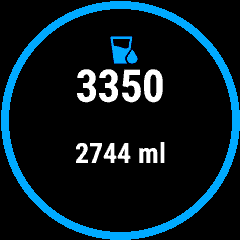
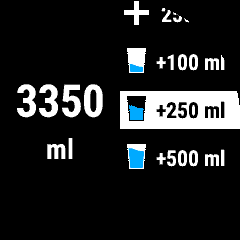
Second one is after going to the second page via start. Ist scrollable with up and down button. i don’t think it’s wrong? If you scroll, it behaves logical on a round display.
thats the reason why i ask, anyway i use it since arround 2 month in GCM Android and i already set my containers, the + containers are correct here, but the - containers are wrong!
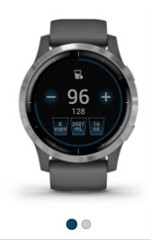
The sample pic showes a Venu/VA4. Those are touch enabled, they have a different UI.
+-250 on top are fixed amounts and not containers. I think there is no - for containers/cups. The next three cups can be customized to your typical amounts.
Auto target in the Settings adds estimated sweat loss to your drinking target.
the screen design is clear now, but the widget himeself is forgetable, everytime i get differences on watch VS GCM Android, they can't calculate and sync in both directions, think a 8 year old developer can do it better!
In my experience, it works better if you wait a few seconds after adding a cup on the watch. If you go back to fast, it won't even add it in the watch, so it can't be synced to the app because its not "counted".
This widget itself still needs a lot of work. But: you can reach out to the developer via the AppStore, even if they are not answering.
it worked 2 days for me and i am not sure, but it could be possible that my strange bug i posted in Sensor Hub Thread have something to do with the Hydration Widget, because it needs alsways an open BLT connection to the phone: