How to change data screens with workout loaded from Garmin connect

I have created a HIIT workout in my Garmin connect app and exported it to my Garmin vivocative 6. However, I cannot see my data screens that I configure in the settings.

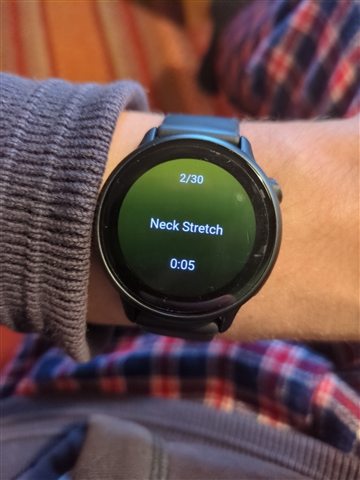
I have 30 rounds of 5 seconds exercise 5 seconds rest, but the screen goes

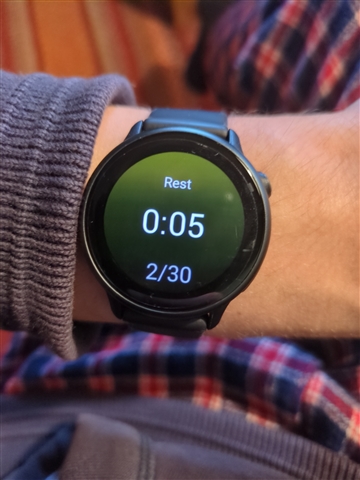
- Shows 'Rest' screen for 3/4 seconds

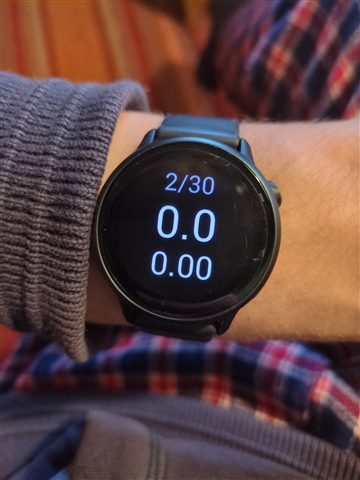
- Shows some random screen with a `X/30 0.0 0.00' on for 3/4 seconds

- Shows exercise screen for 1/2 seconds

I cannot seem to change this and due to it flickering between all these random screens I can't keep track of the 5 second timer

  • It seems like you may have Auto Scroll turned on. Please walk through the following steps in order to turn this feature off: From the watch face, swipe left, select Activities, select an activity, and select the activity settings, then Auto Scroll

  • I do not have auto scroll turned on. So yeah to give more context, if I go to HIIT and create a custom workout it works fine. It's specifically the workouts loaded from Garmin Connect, they seem to ignore all my watch settings and have no way to configure them.

  • Thank you for that additional context. I do see that we're currently rolling out new software to the Vivoactive 6, so I'd like to see if a software update can resolve this issue for you. To manually prompt the update, go to your watch's Menu > Settings > System > Software Update. Once your watch is on software version 15.33, please remove the problematic HIIT workout from your watch, then use Garmin Connect to sync it to your watch again.

    If you're still experiencing this issue on 15.33, leave a comment so we can look further into this with you.

  • Hi there, I upgraded to 15.33 and recreated the workout but I still have the same issue.

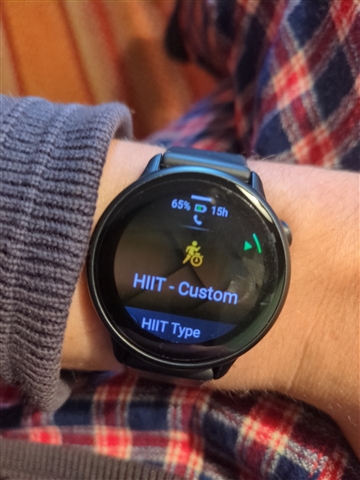
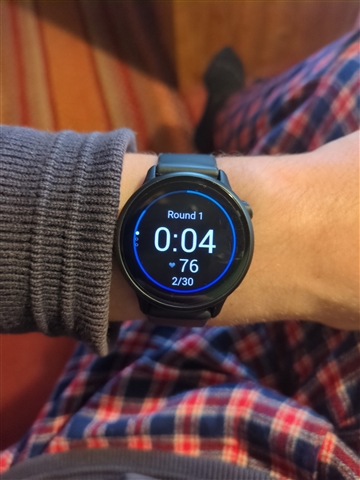
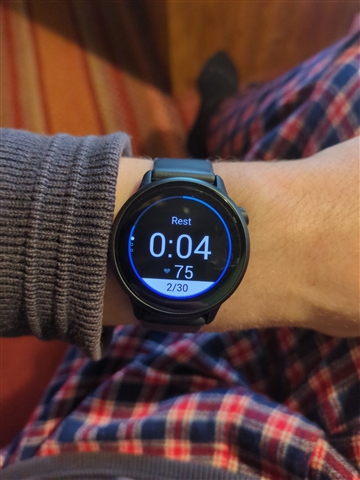
    Here you can see when I create a custom workout, it just switches between two screens with timers - this is exactly what I want, it just requires setting it up every time.

    If I use a workout so I don't have to set it up each time, the screens are all different and they do not countdown which is a shame.

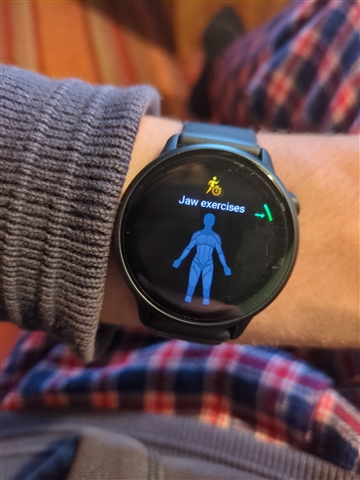
    Also then after the rest, this screen pops up for a few seconds

    By the time this leaves the screen again, there's only 1/2 seconds of the stretch screen left, before it goes to rest.