I tried to load a new map for Australia on my device but there is not enough space. So I tried to delete two maps I do not use, using Garmin Express. Go to Manage maps and untick the ones I do not need, then process and accept.
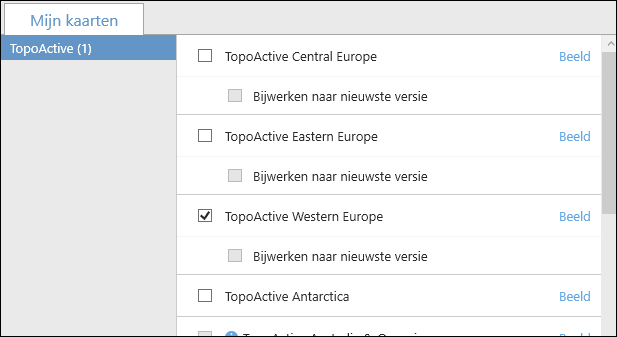
Garmin Express says that the maps are deleted but when I open 'manage maps' again, they are still ticked and are still there
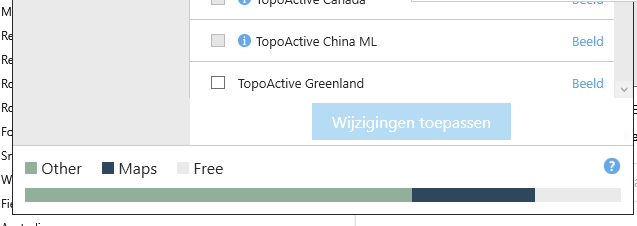
Als at the bottom of the Manage Maps screen I see a bar with the available space on my device.
The black section are the installed maps. The green section ('Other'), I do not understand. What is in it and can I clean it up?