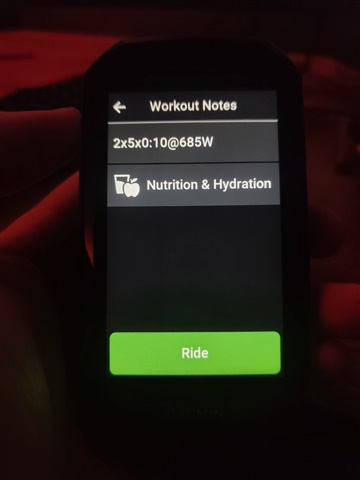
Garmin Edge 540 not syncing correct Garmin Coach workouts

Hi everyone,

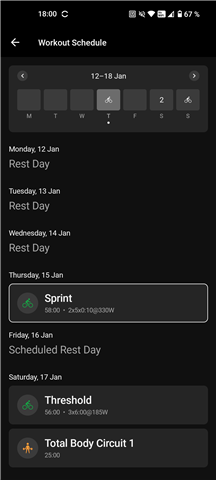
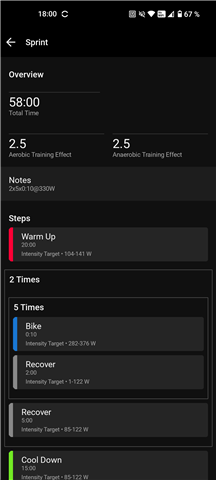
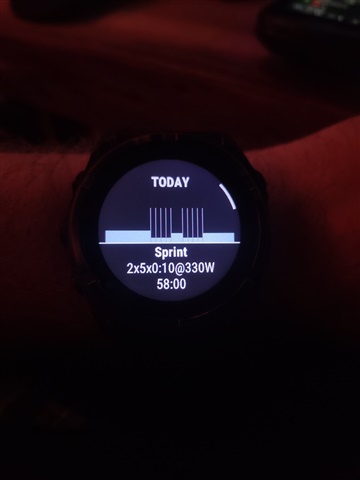
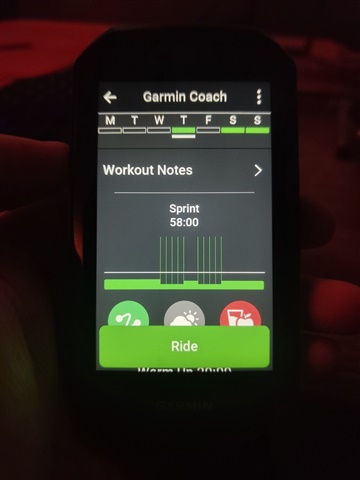
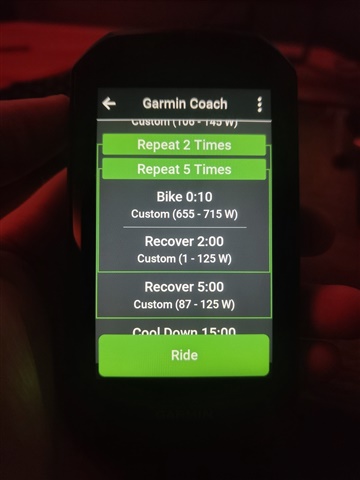
I’m having an issue with my Garmin Edge 540 not syncing the correct workouts from Garmin Coach.

What’s happening:

  • The Garmin Coach workouts sync perfectly to:

    • Garmin Forerunner 965

    • Garmin Connect (Windows)

    • Garmin Connect mobile app (Android/iOS)

  • All devices show as successfully synced with no errors.

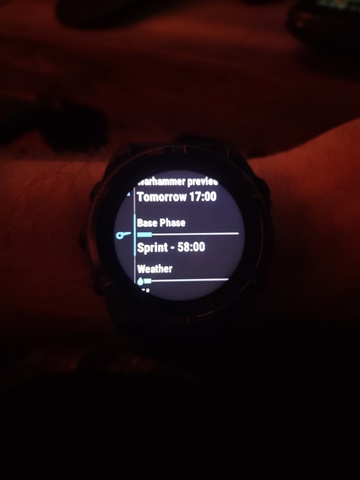
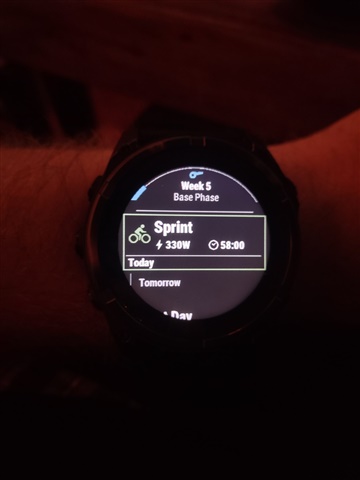
  • However, the Edge 540 does NOT display the correct Garmin Coach workouts.
    Instead, it shows older workouts or completely unrelated ones.

Troubleshooting already done:

  • Bluetooth sync

  • Wi-Fi sync

  • Sync via Garmin Express (Windows)

  • Manually deleting workouts and resyncing

  • Forcing update of calendar, activities, and courses

  • Full device reset (restored to factory settings) — still no change

Additional details:

  • The Edge 540 does show Daily Suggested Workouts, but not the specific workouts from Garmin Coach.

  • The Forerunner 965 syncs the exact same plan with no issues.

  • No external FIT files or third-party training plans are involved.

Question:

Is there any known limitation or compatibility issue between Garmin Coach and the Edge 540?
Is there another method to force-sync only the Garmin Coach calendar to the device?
Could this be related to a caching problem in Garmin Connect?

Any help, insights, or similar experiences would be greatly appreciated.

Thanks in advance.

  • the same for me on edge530, in summer 2025 it works fine, now it fails

  • Solution Found – Garmin Edge 540 vs Garmin Cycling Coach

    I believe I have identified the root cause and solution to the issue.

    The key point is understanding that Garmin Cycling Coach and the “Trainer / Entrenador” feature on the Edge 540 are two different things.

    • Garmin Cycling Coach is the official coaching system that syncs with:

      • Garmin Connect (mobile app)

      • Compatible watches (e.g., Forerunner)

      • Edge devices only if configured correctly

    • The “Trainer / Entrenador” on the Edge 540 is not Garmin Coach.
      It only provides device-based recommendations and will not display Garmin Cycling Coach workouts.

    Because of this, if you expect the Edge “Trainer” to show Garmin Cycling Coach plans, it will never happen.


    Correct Setup to Use Garmin Cycling Coach with Edge 540

    If you are using Garmin Cycling Coach, you must do the following:

    1. Set the Edge 540 as your primary training device (or main workout device) for the Cycling Coach plan.
      This ensures that workouts are executed and recorded directly on the Edge.

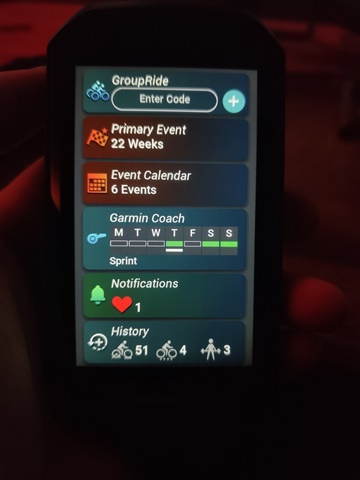
    2. On the Edge 540, enable Garmin Coach as a widget.

    3. Open the Garmin Coach widget on the Edge and select “Search for plan”.

    4. If you already have an active Garmin Cycling Coach plan:

      • Open Garmin Connect mobile app

      • Set the plan to “Pause” or “Stop”

      • Return to the Edge 540

      • Search for the plan again and select “Resume”

    After completing these steps, the workouts synchronized correctly and the issues disappeared.