This discussion has been locked.
You can no longer post new replies to this discussion. If you have a question you can start a new discussion

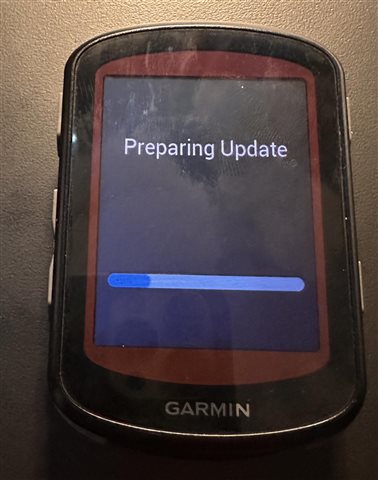
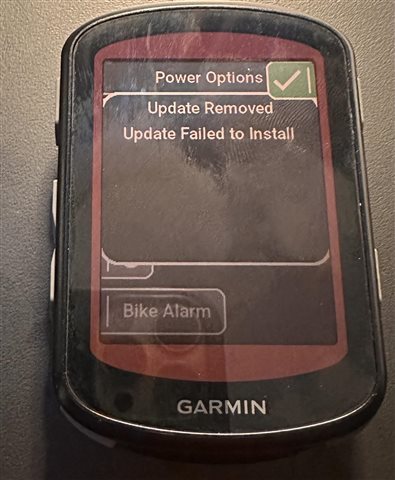
540 Solar tries to install a bad update over and over until the power dies. It can't be powered off.

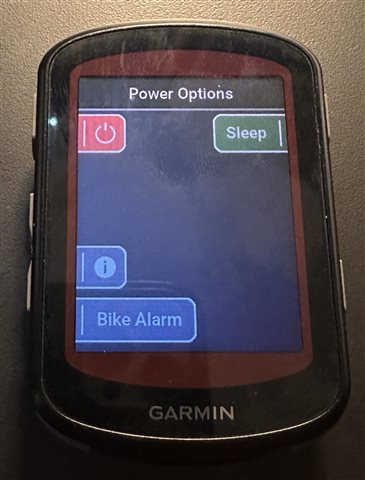
I have a 540 Solar thats trying and failing to install an update on power down.    It can't do a normal power off.

Every time you power it off, it tries to install an update and fails.    There is no way to power it off without installing the update.


This is extremely aggravating.      I didn't want anything updated in the first place, and now my device is unusable.  

If some embedded device I built did this I would hang my head in shame. 

How do I disable automatic firmware updates?     Nothing good ever comes of it.
  • You can break the cycle, but the timing can be tricky.

    Do a long hold of the power button. This will force a restart. Then as quickly as possible before the Garmin logo shows on the next restart. Hold the lap button down and connect the Edge to a computer via the cable. Keep holding the lap button down until the device enters USB MTP mode.

    With the device now connected to the PC you have access to the file system to remove the install file. 

    Garmin\gupdate.gsp

  • I was able to get in there with OpenMTP and zap the bad file.    It was installed  Yesterday.        That means it was delivered by the iOS app without any input from me.

    Where did it come from?    Did Garmin ship a bad file to thousands of devices?

  • I assume it was build 29.22. No other reports of that build failing on install that I have seen

  • Mystery Solved.     It's a bug in the Garmin updater.

    I tried to update the device via Garmin Express, and at one point it reported that the devices was 'out of space'.

    I connected to the device with OpenMTP, and zapped a map file to create space.   After that the update process works.

    In summary:     Auto-installing updates is a terrible UX failure.  The installer needs storage to do its work, but doesn't check.