When I review a round in shot maps on an iPhone or iPad inactive clubs are defaulted & cannot be changed. For example my inactive putter is selected for all putts. I cannot then change it. I also have a CT10 assigned to the putter.
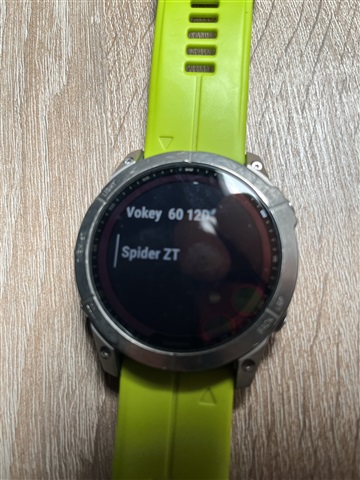
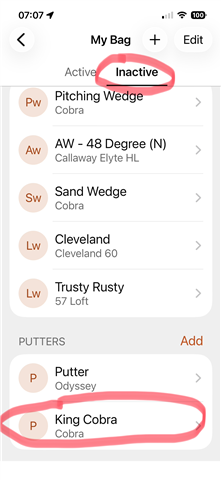
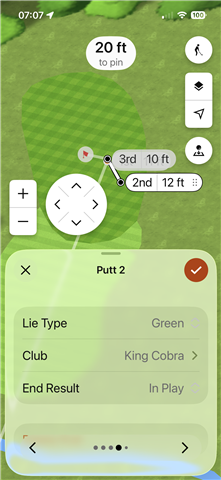
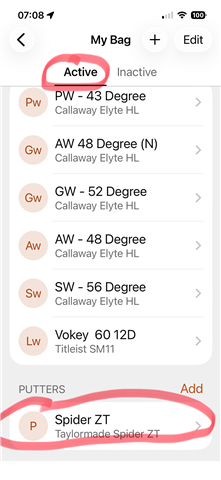
When I review a round in shot maps on an iPhone or iPad inactive clubs are defaulted & cannot be changed. For example my inactive putter is selected for all putts. I cannot then change it. I also have a CT10 assigned to the putter.


Please ensure that the watch is displaying as connected in Garmin Golf. You can review these steps here: How to Connect a Garmin Device from Garmin Connect to the Garmin Golf App
If the watch is showing as connected, I would recommend removing and re-pairing the device through Garmin Connect. Here is a troubleshooting article that will walk through that process: Remove and Add a Device From the Garmin Connect App
Please let me know if the issue still persists, so we can take a closer look into this.