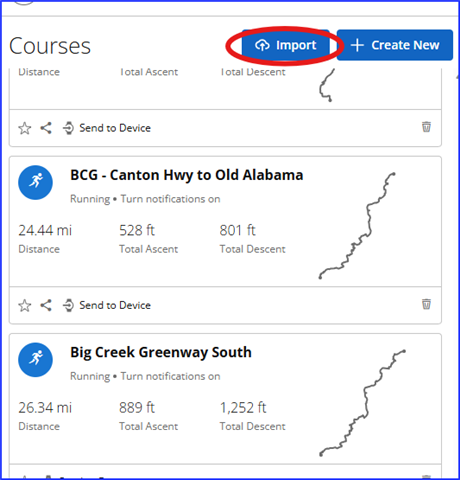
I am trying to create a course on the Garmin connect website by uploading a GPX file. After uploading I click the "save" button and it does nothing, it just turns grey and does not save the course.
I am trying to create a course on the Garmin connect website by uploading a GPX file. After uploading I click the "save" button and it does nothing, it just turns grey and does not save the course.
I got it to work by removing the course notes, which seemed to be too many and may have hit a limit.
Starting fresh: Import > Select the GPX file > Choose type "Hiking" > click Course Points > open the…
What is the source of the gpx file?
Also, are you using the import feature from https://connect.garmin.com/app/courses ?