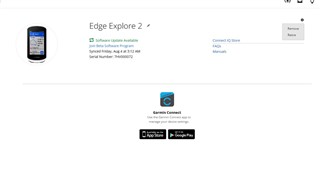
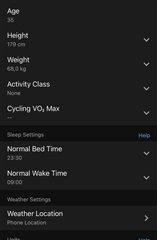
Hi all
On my Garmin Conect page web/app there is no menu section for change heart rate zones, only VO2Max:
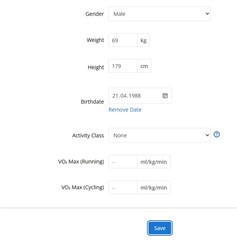
And the same in App. I try to find this menu section everywhere...
What i do wrong?
(I think one reason it's done this way is that some devices support different sets of zones for different sports, and others do not.)
Oh right, some devices only allow you to change zones on the device or in the Connect app.
But the screenshot you posted from the Connect app looks like it's from your *global user settings*, not the device-specific user settings.
Try this:
On your Edge:
- make sure bluetooth is enabled and it's connected to your phone / the Connect app
In the Connect app:
- Select 3 dots / More (at bottom of screen) > Garmin Devices > Edge Explore 2
- Select User Profile
- Select Heart Rate & Power Zones
- Select Heart Rate
I have a Forerunner 945 LTE watch, but hopefully the procedure is similar for your Edge Explore 2.