According to Garmin Support Center (https://support.garmin.com/en-US/?faq=aNGg6LTaoT4X7fyCnIuQW6),
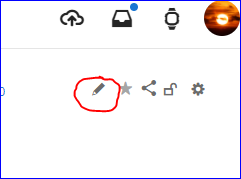
to edit an activity via Garmin Connect Web, once should select a "Pencil icon in the upper right".
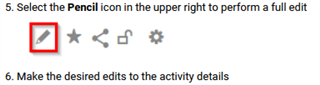
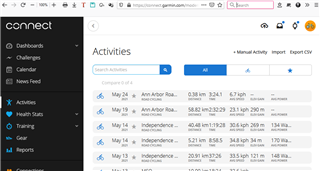
However there is no such icon on my screen: there are 4 icons labeled "Upload...", "Requests...", "Device..status", and "Profile...".
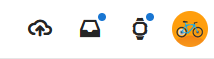
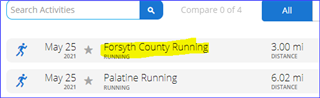
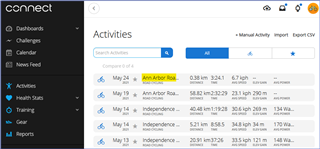
How can I edit an activity? Thanks!