You mean not open when clicked by mouse scroll? Then yes, opening in a new tab is blocked and this is bad.
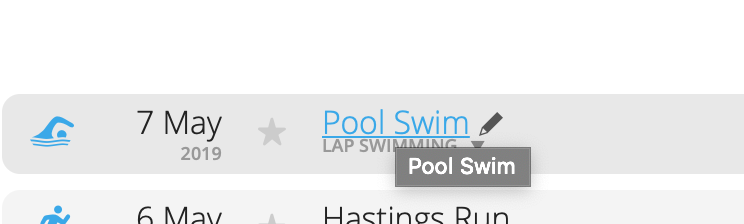
Would be nice to open few activities in tabs, but you can only left click on one, and then it opens and the list backs to top. And to open another activity you have to scroll all the list again.
The workaround is to copy activity URL by right click and paste it in a new tab. This way the list stays at place where we scrolled it.
On profile activities list with maps - the mouse scroll/middle button is blocked, can't open new tab (as I wrote above), you can only open in same window. [FONT=courier new]connect.garmin.com/modern/profile/...[/FONT]
On text activities list (without maps) - middle button works as it should, opening new tabs. [FONT=courier new]connect.garmin.com/modern/activities[/FONT]
Inconsistency is the worst. Do it one way or another, but everywhere should be working the same way.