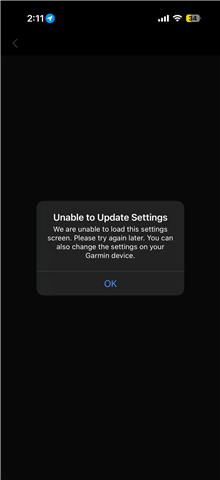
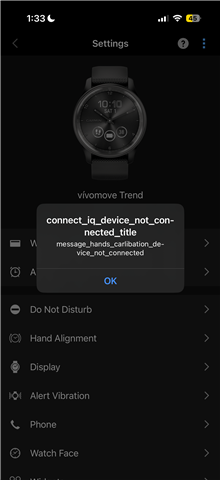
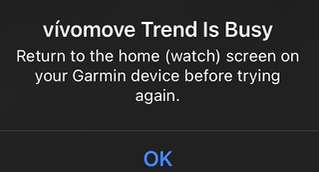
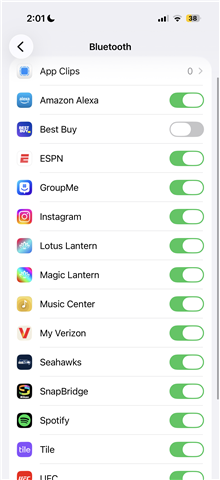
 I am getting a mix of results whenever I try to change a setting on my vivomove trend that I acquired 2 days ago. Every time I open the app and access my watch’s settings, it usually just lets me tap the tab but doesn’t open it unless it’s for hand alignment, the wallet, or the alarm options. Anything else rarely opens, and if it does, it doesn’t open a second time. As you can see in the first photo, I am unable to see the option to turn Bluetooth on or off for the app, and I’m pretty sure that option should be there from the research I’ve done. The video shows the main issue, but I’ve been getting a mix of results whenever I try to open a setting. Any help is appreciated , thanks for your time.