
My forerunner 45 shows miles rather than km on the screen whilst still showing metric measurements on the app
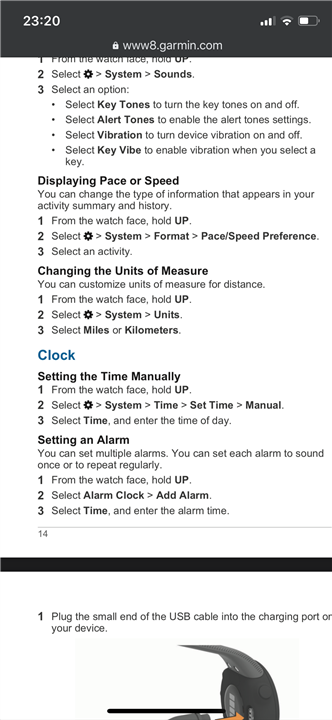

Global settings such as metric or statute distances are best done on Garmin Connect Web under display preferences - https://connect.garmin.com/modern/settings/displayPreferences
Make sure global settings…
Post a screenshot of the settings saying "Metric".
You can also check that the Measurement Units in the web settings also says "Metric": connect.garmin.com/.../settings
Hmm, I’ve bought my Forerunner 45 a couple of weeks ago and am still trying to solve this problem... I’ve all settings (as far as I can figure out) to metric, both in the App as well as on my watch but my watch shows in its overview miles. I hope some magic will also happen to me ;-)
Global settings such as metric or statute distances are best done on Garmin Connect Web under display preferences - https://connect.garmin.com/modern/settings/displayPreferences
Make sure global settings are maintained there and then they should populate to Garmin Connect Mobile and your device.