This discussion has been locked.
You can no longer post new replies to this discussion. If you have a question you can start a new discussion

Garmin Connect App not opening GPX

Until recently I could open a gpx with theGC app and it would be added as a course.

There was also an import option in training & planning but that now only allows for course creation not importing a gpx.

Has functionality been removed?

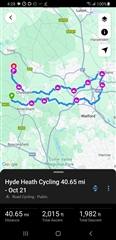
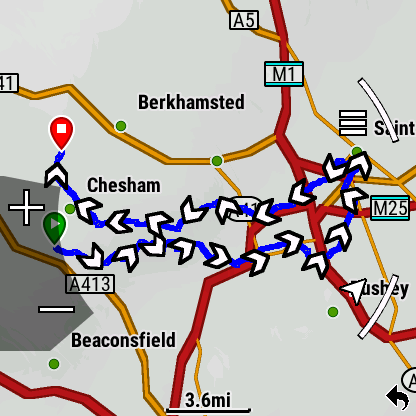
  • I've just exported that file from plotaroute onto my phone, into Connect and sent it to my watch, 

    connect.garmin.com/.../413365406

  • plotaroute.com/route/2416483

    This worked for my on my Android phone. Went to the link, downloaded course, opened the GPX file which opened in the app.

    Sent the course to my watch.

    the steps no longer show. 

    If steps no longer show when you open the GPX file, what does show? Does it even open the Garmin Connect app? Is the GPX extension at least associated with Garmin Connect Mobile?

  • Double check whether Garmin Connect has all necessary permissions, especially for example Storage permissions. Also, some Android phone brands add proprietary permissions, that may further restrict apps from accessing certain resources, or using some of the standard functionality. Reinstalling the app could perhaps also help, though if it is something on the OS level blocking the app or removing the file type association with Connect, then it is uncertain.

  • None of the permissions looked relevant so I cleared all the app data and went through the setup procedure again: link to device etc and it is now working.

  • And today it stopped working again. Clearing the app data and going through the setup procedure again hasnt fixed it this time.