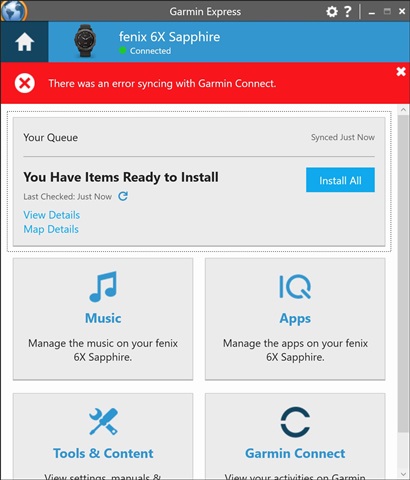
I cannot get my Fenix 6x to sync thru Garmin Express in Windows 11. I have tried everything I can.
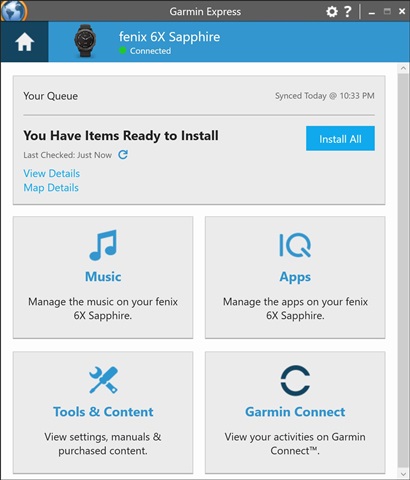
Garmin Express recognizes the Fenix watch, and then indicates it has "Items Ready to Install", but when I hit "Install All" the progress bar makes it about 25% across the screen, and then stops and displays "There was an error syncing with Garmin Connect". This happens every single attempt.
I have tried (from reading thru other's difficulties):
- Removing and reinstalling Garmin Express
- Rebooting the Fenix watch
- Rebooting the Windows 11 PC
- Tried many different Garmin sync cables
- Within Garmin Express - "Clear Upload History" for the device
- On the PC deleting the sync folder within C:\ProgramData\Garmin\CoreService\Devices\xxxxxxxx
All of these steps are to no avail
Is there possibly a file on the Fenix device itself that is corrupt?
Please help. I am stuck.
GE Screen at the start
GE Screen while progressing thru the sync, before getting stuck
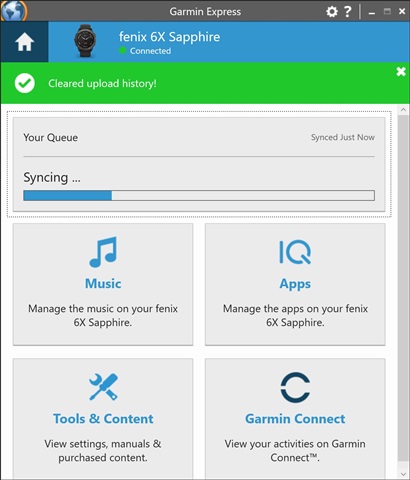
GE Screen after error