I'm new to Basecamp + routing. I laid out a motorcycle route starting + stopping at the same location (HD dealer) with 2 waypoints along the route. I sent it to my Nuvi 55 + it downloaded correctly. When I pre-rode the route, it varied from what I entered. When I put the GPS on the bike + load the route, what should I use as the "destination"? Do I enter the first waypoint, and if so, do I have to reset anything after reaching that point? I entered the first waypoint today + everything worked great up to that point. Thereafter, it recalulated everything. I'm sure it's something I did wrong, just not sure how to enter it correctly. TIA for your help!
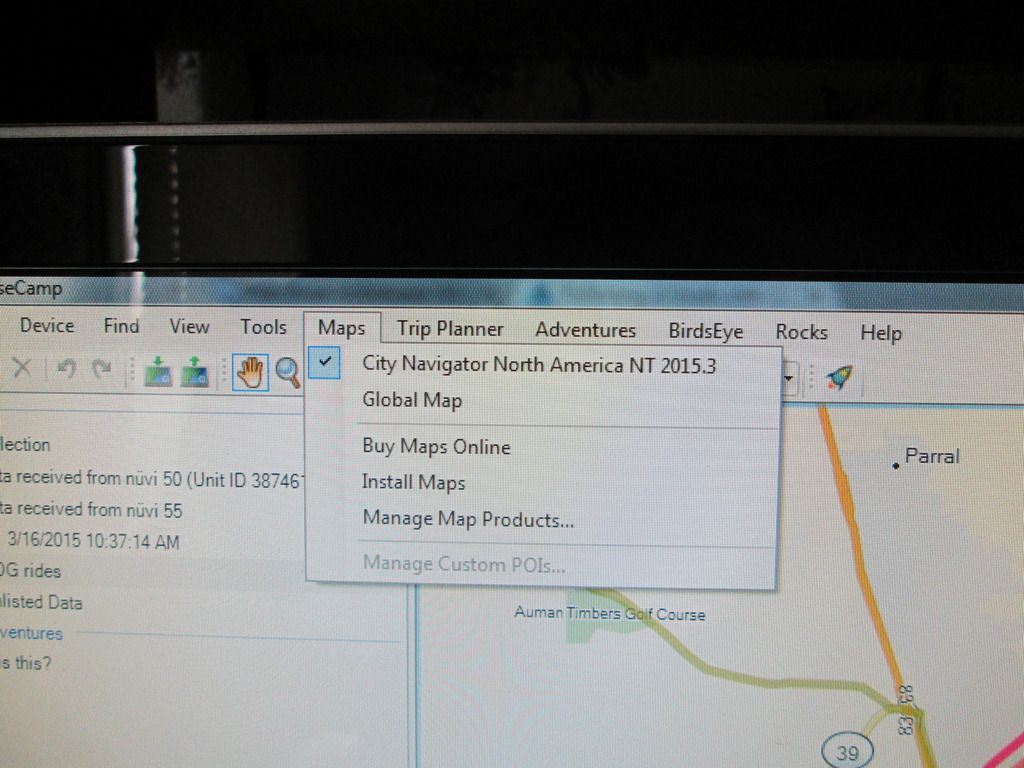
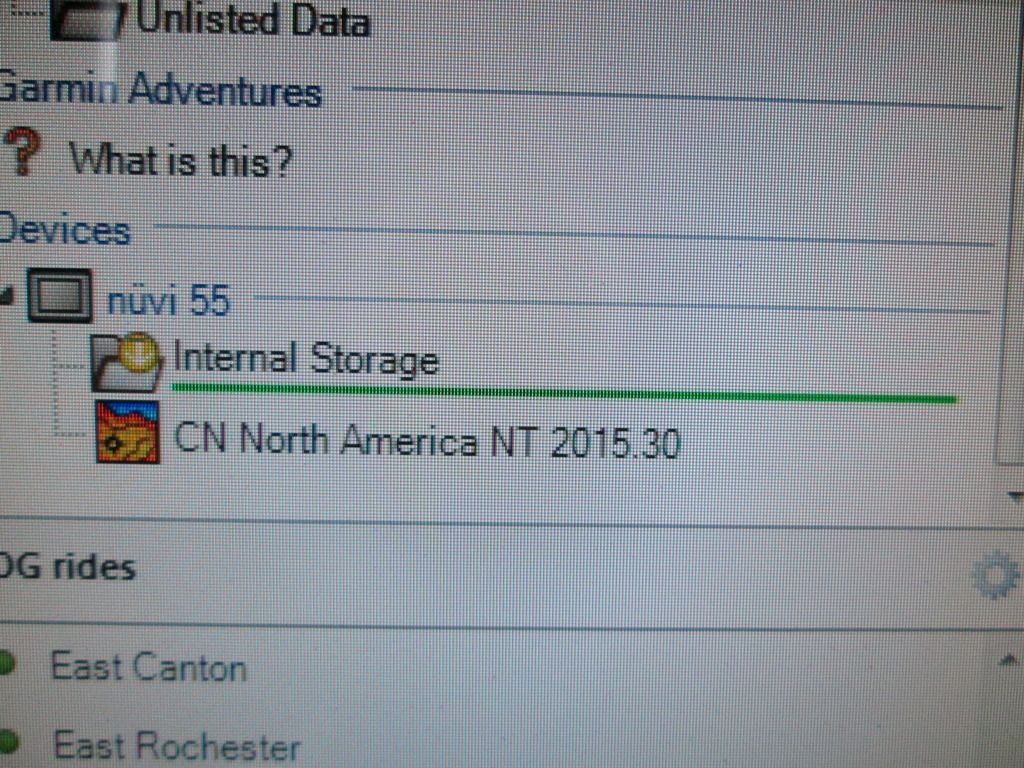
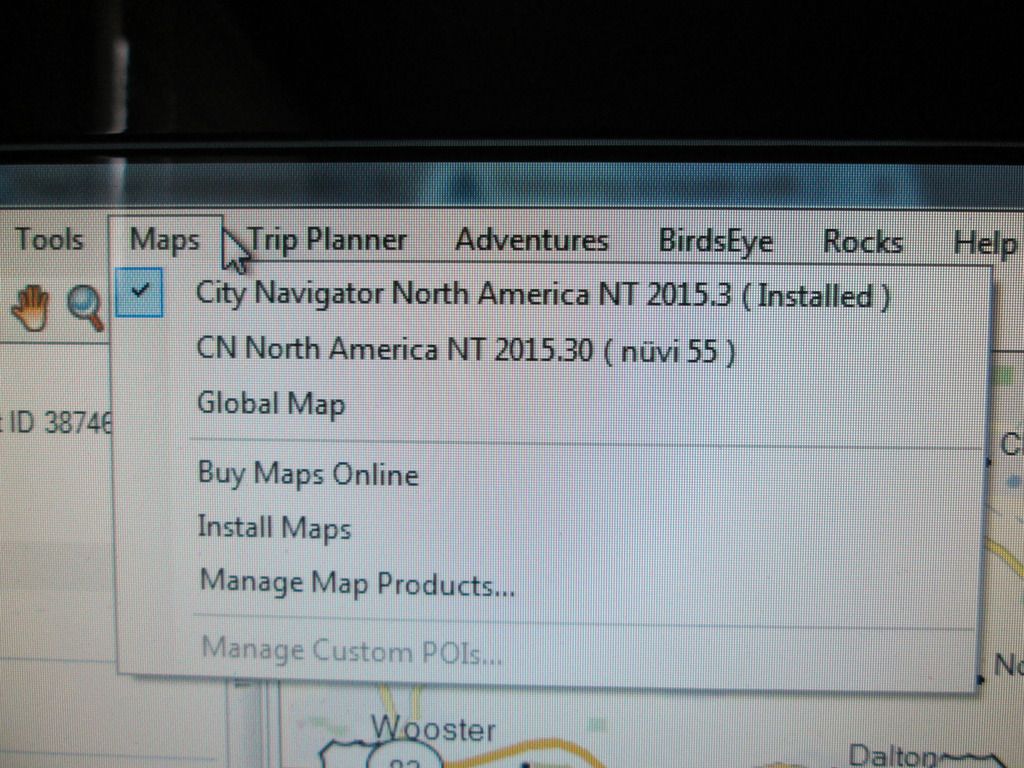
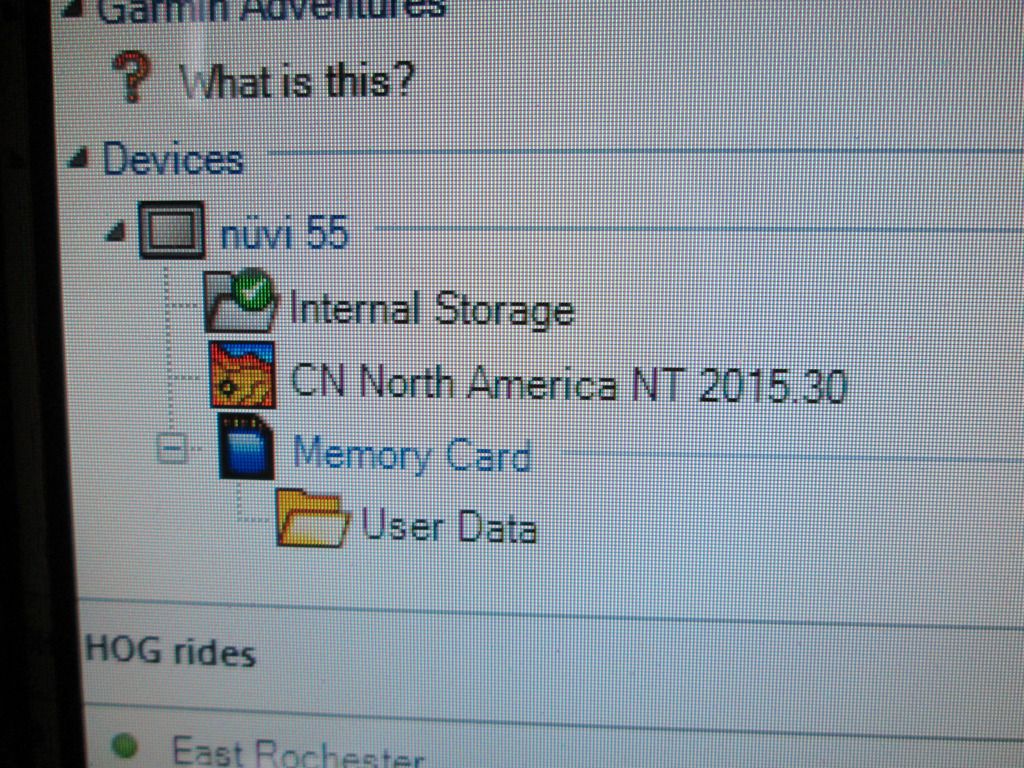
For some reason I get 2 different looks whenb I hook my gps to Basecamp. Sometimes, it only shows one map as you stated (pic 002). When that happens, I can't donload any routes to the device, they try to load, but never finish (pic 004). Other times it shows both maps as I said earlier (pic 003). When it does, the download completes (pic 006).
I'm using 62% have 1.45GB free. I leave the BC map to the default setting or reading the map from the hardrive. I tried to change it once to the device + it warned me it would slow down the process. I duid it anyway + it said it could not read the map on the device.
..... Should I have stopped + entered the next stop at that point? Or, should I have just entered the final destination (also the start point) to begin with?
I've had this issue whenever I select the first point offered, which is usually where I am when activating the route. Now I always select any point that I'm sure I have NOT already passed. This is NOT selecting that point as a destination, but as a route entry point. If the route is not doing what you want you have to stop navigation first, then re-select the route and pick a different entry point.
Out and return or loop routes seem to present issues not found when doing a simple A to B route. Now I always make sure that the final destination on those is NOT exactly the same beginning waypoint, but separated by about 1/2 mile. This seems to help.
I just re-ran this route selecting "next" destination + changing to the following one when I arrived. It worked using this method. I still need to download the most recent map to the gps + computer as previously siggested. Just haven't found time yet to do the download + unsure how to download the map to the hardrive. Garmin Express seems to have changed since last time I used it.
That shouldn't be necessary, so I'm unsure what is happening here. It's pointless having a trip loaded if you have to keep manually selecting locations, you might as well just load the locations rather than the trip. Something isn't working correctly.
In Express just click on the Map options link in the box where it says Install. You can then choose to download the map to your PC.
Hmmn, having re-read your third post more carefully, it seems you are actually using the second point offered, the one you are not starting at and have not passed yet, as I indicated above. While riding that route, if you do nothing upon passing that point, the route still recalculates in an inappropriate manner?
OK, here is something else to test. Assuming you are riding on typical paved roads, have you tried changing the activity profile in BOTH BC and your Nuvi to automobile, recalculating this route in BC while making sure that the shaping points used are forcing the route to the desired roads in BC, then deleting all the test routes in the Nuvi BEFORE uploading this route and trying it as above. I would suggest using a simple A to B route with at least three shaping points, not a loop or out and return for this test.
I have experienced the motorcycle profile doing things differently from the automobile profile more than once. It's worth a try. Let us know if this works.
I don't have a 55, I am using my experience on a Navigator V and a Nuvi 3597, so it is just possible that my units act differently from your 55....let's hope not.:)
EDIT: Ah, well a quick look online at the 55 manual indicates that it does NOT have multiple vehicle modes, so the only profiles you should be using in BC are Driving or Direct. BC was designed to interface with MANY different Garmin units (some pretty well and others not so well) and even after years of use we often don't fully understand just exactly how it interfaces with our unit. Neither does Garmin. :mad: