If they show in the bottom left hand pane you can highlight them and delete them from there which deletes them from that list, but I guess you don't want to delete them from your data? Anything that shows in that pane shows on the map. If you want to start with a blank map create an empty list. If you don't understand how BaseCamp works this is a good tutorial www.newenglandriders.org/.../
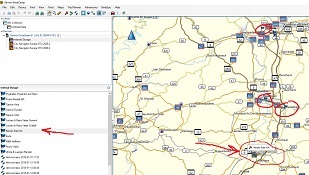
This first image is of Basecamp displaying the data that exists on the Drivesmart 61. That is where the flag is coming from. AFAIK, Basecamp can not be used to delete route points that exist on a device.
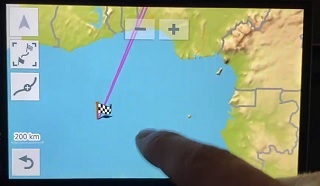
The checkered flag symbol indicates that it is a destination point in a route. The second image shows two route lines which is curious. You might be able to figure it out by tapping the "Shape route" button to see the details of route.
Good spot. The image is so blurred for me that I can't make out what is selected in the top left hand pane. Quite correct that if this data is on the DriveSmart it cannot be deleted using BaseCamp and must be done via the device menu.