C:\Users\{username}\AppData\Roaming\GARMIN\BaseCamp. However, you'd be better off using the backup/restore feature within Basecamp, saving the backup to the cloud, then restoring that backup to the 2nd computer.
If you still want to mess with the database location, you can change it in BaseCamp - Edit >> Options >> General >> Database Options.
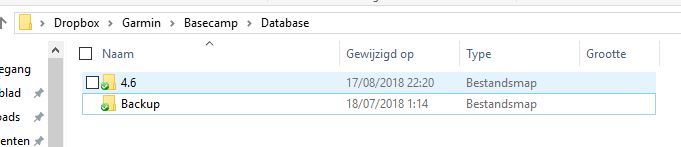
I'm using dropbox to share the database between desktop and 2 laptops. Just create a folder and dropbox to hold your data, and change the db location as seilogramp mentioned in post above. Should do the trick. ciq.forums.garmin.com/.../1390788.jpg