


Hi all,
I’m running a Garmin Montana 700i and I’m a moderate/advanced user.
Workflow:
• Use the Explore app for reviewing/sharing routes.
• Use BaseCamp to organize waypoints and tracks after ATV/snowmobile trips.
• Maintain a clean BaseCamp Collection with periodic .gpx backups.
There are no issues when:
• Editing data directly on the GPS in BaseCamp
• Transferring items to/from the device
The problem only occurs when I import or save data from one of my .gpx backup files or try to copy items from my GPS to my collection into BaseCamp.
When I do, BaseCamp crashes and on restart I get this error:
“An error occurred loading your data.
Your user data file is corrupted. BaseCamp is loading a backup, but some data may be lost.”
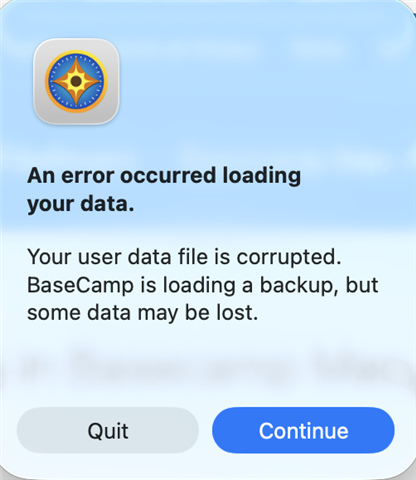
After that:
• BaseCamp restores a prior backup
• My Collection is wiped or reverted
• The imported data is gone
It seems isolated specifically to writing/importing the .gpx file into the BaseCamp database — the device itself functions normally.
I've tried uninstalling Basecamp, resetting my GPS, deleting database files, etc.
Any advice would be appreciated. I’d like to maintain a stable master collection without repeated corruption.
Thanks in advance.
